On this page
Your function never owns its address
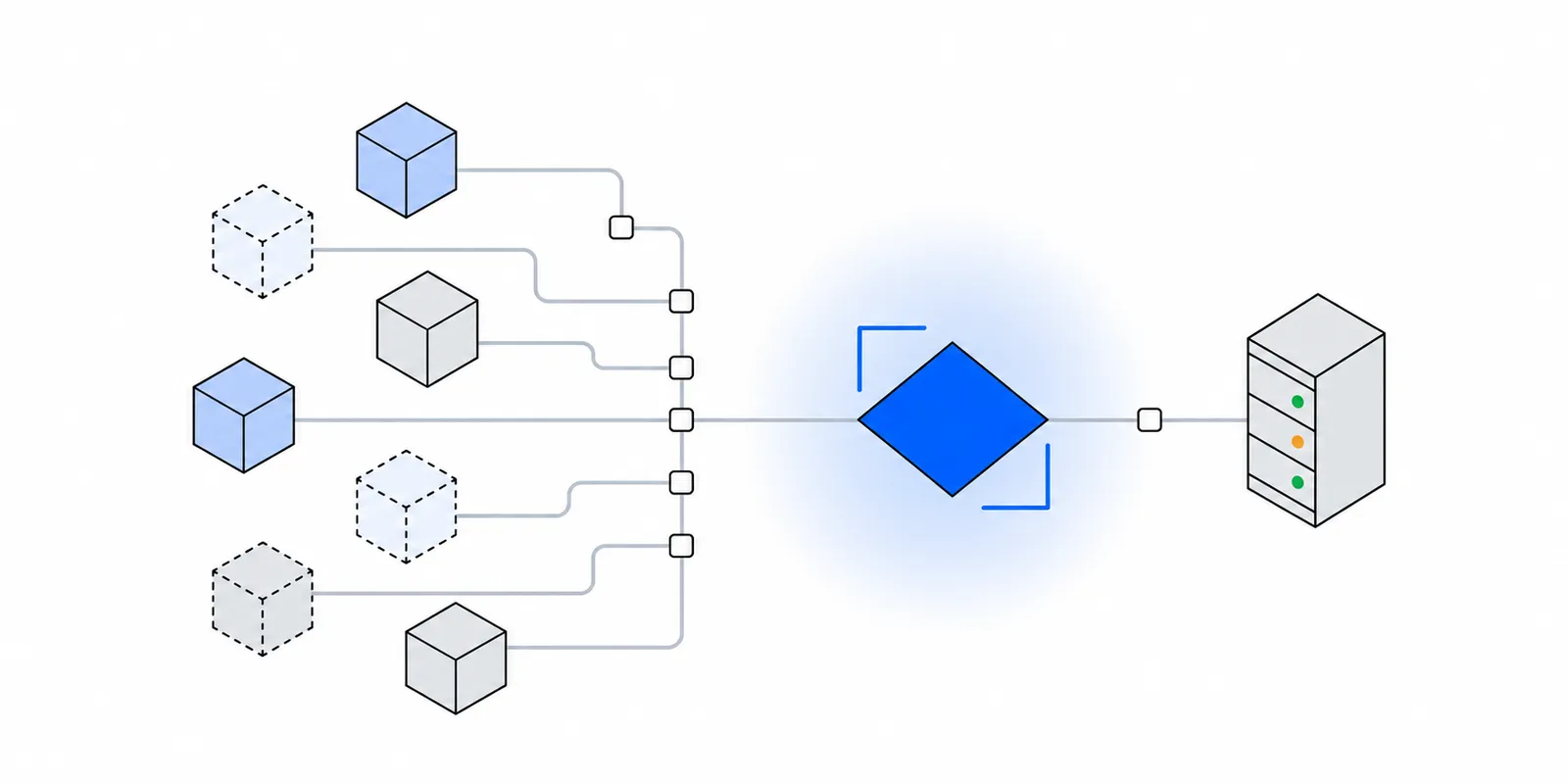
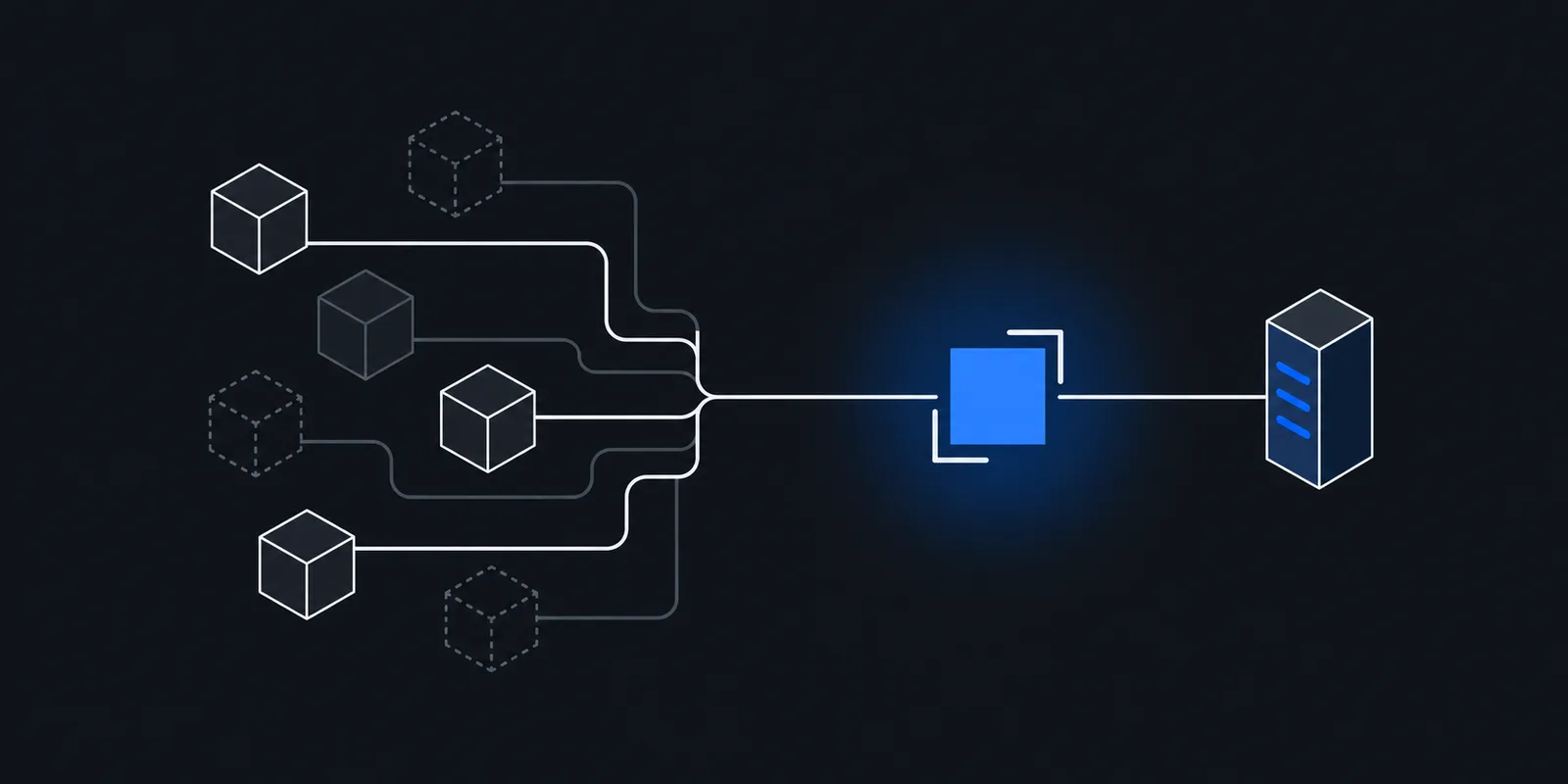
On a VM you rent, the public IP is attached to your machine. It stays until you release it. Serverless platforms work differently. Your code runs in a short-lived sandbox on a host the platform picks. The sandbox has a private address. When it opens a connection to the internet, a NAT layer rewrites the source to one of the platform's public addresses.
That public address belongs to the platform, not to you. Many customers share the same pool. The platform is free to move work between hosts, add NAT capacity, or retire an address. None of that breaks a normal HTTPS call, so platforms rarely promise anything about it.
Sharing is also an economic choice. Public IPv4 addresses are scarce and cost money. AWS has charged $0.005 per hour for every public IPv4 address since February 2024, per its VPC pricing page. A platform that gave every sandbox its own address would pay that even for sandboxes that sit idle. See the AWS public IPv4 charge explained.
The result is the same everywhere. A partner that checks source IPs cannot allowlist your function, because the function has no address of its own to give them.
What makes the address move
The egress IP changes whenever the path from your code to the internet changes. Most of these events need no action from you.
- A new execution environment starts. Cold starts, scale-out under load, and recovery after a crash all create fresh sandboxes, often on different hosts.
- The platform recycles environments on its own schedule. AWS states that Lambda terminates execution environments every few hours for runtime updates and maintenance, even for functions that are invoked continuously.
- You deploy or restart. A new release usually lands on new instances.
- The code runs in a different place. Edge runtimes run near the visitor, so a request from Mumbai and a request from Frankfurt leave from different data centers.
- The platform changes its NAT capacity. More gateways, new address blocks, or a retired range all shift what the destination sees.
Two consecutive requests can show different IPs. A function can also keep one address for a week and then lose it. Neither is something you can plan around.
Each platform's documented behaviour
The table summarises what each platform documents today. Prices are list prices from the linked pages and exclude data transfer unless stated.
| Platform | Default egress | Native fixed option | Price and scope |
|---|---|---|---|
| AWS Lambda | Lambda-managed VPC, no fixed address documented | Attach to your VPC, route through a NAT gateway with an Elastic IP | $0.045/hour and $0.045/GB per NAT gateway (US East Ohio), plus $0.005/hour per public IPv4 |
| Vercel Functions | Dynamic IPs, no published range | Static IPs (Pro, Enterprise), Secure Compute (Enterprise) | $100/month per project plus Private Data Transfer; IP pair shared with a small group of customers |
| Cloudflare Workers | Runs in the data center closest to the request | Dedicated CDN Egress IPs (Enterprise) | No public price; covers fetch() to your origin, not connect() |
| Google Cloud Run | Regional pool of dynamic IPs shared across serverless workloads | Direct VPC egress plus Cloud NAT with a reserved IP | Cloud NAT and static IP charges |
| Railway | No permanent address unless you enable the feature | Static Outbound IPs (Pro) | Three IPv4 addresses per service, not guaranteed dedicated |
| Render | Regional CIDR ranges shared by every service in the region | Dedicated IPs (Pro and up) | $100/month per set of three IPv4 addresses in one region |
| Fly.io | Unstable, may change | Static egress IPs | $3.60/month per IPv4, per app and region |
AWS Lambda
Per the Lambda VPC docs, every function runs inside a VPC that the Lambda service owns and manages. You cannot see it, and AWS does not document a fixed outbound address for it. Add the environment lifecycle above and the address is effectively random from your point of view.
Attaching the function to your own VPC does not fix this by itself. AWS says that connecting a function to a public subnet does not give it internet access or a public IP address. The documented route is private subnets with a 0.0.0.0/0 route to a NAT gateway, and an Elastic IP on that gateway, per Enable internet access for VPC-connected functions. The Elastic IP is the stable part. Lambda may still delete and recreate the Hyperplane ENIs behind it, which does not matter because the NAT gateway rewrites the source either way.
AWS recommends one NAT gateway per Availability Zone for resilience, and each gateway bills hourly plus per GB. Work out your own numbers with the NAT gateway cost calculator or read the hidden costs of a NAT gateway.
Vercel Functions
Vercel's Static IPs FAQ is direct. Without Static IPs, outbound traffic uses dynamic IP addresses, and Vercel does not publish a fixed range to allowlist.
Static IPs cost $100 per month per project on Pro, plus Private Data Transfer at regional rates. Each configured region gets its own IP pair, with up to three regions. The pair is not dedicated. Vercel says a small group of customers in the same region shares it, and advises keeping your backend's authentication in place for that reason. Dedicated pairs come with Secure Compute, an Enterprise feature with custom pricing.
Coverage has gaps worth knowing. Routing Middleware never uses Static IPs. Builds use dynamic addresses until you turn on Use for builds. The setting applies to every environment in the project, including previews.
Cloudflare Workers
Per the placement docs, Workers run by default in the data center closest to where the request was received. Your egress point therefore follows your visitors around the world. Cloudflare documents no fixed egress address for Worker subrequests that you could hand to a partner.
Cloudflare adds a CF-Worker header to every fetch() subrequest, set to the zone that owns the Worker, per its HTTP headers reference. That helps a destination recognise Worker traffic. It is a header, not an address, so an IP allowlist cannot use it.
The fixed-IP option is Dedicated CDN Egress IPs, available to Enterprise customers. The Workers notes say fetch() requests to services on your origin use them, and connect() TCP sockets do not. A June 2026 changelog also routes Workers with a VPC Network binding through Cloudflare Gateway, but it does not say which egress IPs that traffic uses, so confirm with Cloudflare before you rely on it. Edge runtimes also cannot send fetch() through a normal CONNECT proxy, which edge runtimes and outbound proxies covers.
Google Cloud Run
Google's static outbound IP guide says Cloud Run sends outbound traffic through a regional pool of dynamic IP addresses shared across all serverless workloads. It warns against relying on that pool when you need a predictable origin IP or isolated IP reputation, such as calls to a payment gateway behind a WAF.
The fix has four parts. Create a Cloud Router, reserve a regional address, create a Cloud NAT gateway that uses it, and deploy the service with all egress sent into the VPC. These are the commands from Google's guide, with your names filled in.
gcloud compute routers create egress-router \
  --network=default --region=asia-south1

gcloud compute addresses create egress-ip --region=asia-south1

gcloud compute routers nats create egress-nat \
  --router=egress-router --region=asia-south1 \
  --nat-custom-subnet-ip-ranges=default \
  --nat-external-ip-pool=egress-ip

# Direct VPC egress, which Google recommends over a connector
gcloud run deploy my-service \
  --image=IMAGE_URL \
  --network=default --subnet=default \
  --region=asia-south1 \
  --vpc-egress=all-traffic
Without --vpc-egress=all-traffic, only traffic to private ranges enters the VPC, and public calls keep using the shared pool. The Cloud NAT comparison covers the cost side.
Railway
Railway's Static Outbound IPs let Pro customers assign permanent IPv4 addresses to a service. The docs list several limits. There is no guarantee the addresses are dedicated. They change if you move the service to another region. They cannot receive inbound traffic. Services now get three IPs with outbound traffic load-balanced across them, and older single-IP services can upgrade with Enable HA Static IP.
You can turn it on from the service's Networking settings or with the Railway CLI. Either way, outbound traffic switches only after the next deploy. The docs also note the feature can stop an idle service from sleeping.
railway outbound-network static-ip enable --service api
railway outbound-network static-ip status --service api --json
# Then redeploy the service so outbound traffic uses the new addresses.
Render
Render takes a different approach by default. Per its outbound IP docs, each region has published outbound ranges, shown under Connect, then Outbound, on a service page. The ranges are shared across all services in the same region, and your service might use any address inside them. You can allowlist those ranges, but they admit every other Render customer in that region.
Dedicated IPs give you a set of three IPv4 addresses in one region. They require a Pro workspace or higher, and Render's May 2026 changelog puts the price at $100 per month per set. The region is fixed when you create the set. Builds use the set too, except Docker image pulls.
Fly.io
Fly's egress IP docs call default egress addresses unstable. Static egress IPs are app-scoped and per region, allocated with fly ips allocate-egress --app <app-name> -r <region>, at $3.60 per month per IPv4. Each one supports up to 64 Machines, and new Machines can take a short time to start using it.
Watch the address change yourself
Deploy a tiny function that asks an IP echo service which address it sees. Any echo endpoint works. These examples use https://fixedmark.com/api/ip, which returns the caller's IP as plain text and sends cache-control: no-store.
// index.mjs, Node.js 22 or later, behind a function URL
export const handler = async () => {
  const res = await fetch("https://fixedmark.com/api/ip");
  const ip = (await res.text()).trim();
  return { statusCode: 200, body: ip };
};
import urllib.request
def lambda_handler(event, context):
with urllib.request.urlopen("https://fixedmark.com/api/ip", timeout=5) as r:
ip = r.read().decode().strip()
return {"statusCode": 200, "body": ip}// app/api/egress/route.ts
export const dynamic = "force-dynamic";
export async function GET() {
const res = await fetch("https://fixedmark.com/api/ip", { cache: "no-store" });
return new Response(await res.text(), {
headers: { "cache-control": "no-store" },
});
}Then hit it with enough parallel requests to force the platform to start new environments. Count the distinct addresses that come back.
URL="https://your-function-url.example/"

# 200 requests, 50 at a time. Concurrency forces new environments.
seq 1 200 | xargs -P 50 -I{} curl -s -w '\n' "$URL" | sort | uniq -c | sort -rn
Run it again tomorrow and after a deploy. If the list grows, you have your answer. If it stays at one address, that proves nothing about next week, because the platform made no promise.
Why allowlisting the platform's ranges is weak
When the address keeps changing, the tempting fix is to allowlist everything the platform might use. Render publishes regional ranges for exactly this. AWS publishes ip-ranges.json for every service and region.
The problem is who else sits in those ranges. Render's ranges cover every Render service in the region. AWS's ranges cover every EC2 instance, every Lambda, and every NAT gateway of every customer. The allowlist stops being a list of you and becomes a list of a whole cloud. Anyone can rent a function in the same region for a few cents and pass the check. Cloud IP ranges are not an allowlist goes through the numbers.
Shared ranges also change. A partner that pasted a CIDR list into a firewall a year ago now rejects traffic from blocks added since. The failure shows up as rejections that start without any change on your side.
Choosing between native static IPs and a proxy
Every platform above offers some route to a fixed address. Pick one by answering these questions.
- Does the destination need an address that only you use? Vercel's Static IP pairs are shared with a small group of customers, and Railway does not guarantee its addresses are dedicated. Render's sets, Fly's egress IPs, and your own NAT gateway's Elastic IP are yours. A broker that registers one static IP per client for algo orders, as described in SEBI's algo trading static IP rules, needs an address attributable to you alone.
- How many projects call the destination? Vercel bills per project. Five projects that call the same bank API cost five times the fee.
- Do you run on more than one platform? Native IPs belong to the platform. A Lambda job and a Vercel app calling the same partner need two allowlist entries, and moving off a platform means asking the partner to change the list again.
- Which traffic does the option cover? Vercel's excludes Routing Middleware and, by default, builds. Cloudflare's excludes
connect(). Cloud Run's covers public traffic only with--vpc-egress=all-traffic. - Will you change regions? Railway's and Render's addresses are tied to a region. A region move means new IPs and a new allowlist request.
If your app lives on one platform, in one region, and the partner accepts the native option, use it. It needs no code changes. A proxy fits when you need the same pair across platforms, when the native option is shared or missing, or when only a few calls need the fixed address and the rest should go direct.
What still breaks after you pin the address
Most allowlist failures after a static IP rollout come from traffic that never used the new path. Check these before you blame the partner.
- Build-time calls. Migrations and content fetches during a Vercel build use dynamic IPs unless Use for builds is on.
- Edge code. Vercel Routing Middleware and Cloudflare
connect()sockets skip the static option. Move the restricted call into a regular function. - New instances before they pick up the IP. Fly notes a delay for new Machines, and Railway applies changes only on the next deploy.
- One address of the set missing from the allowlist. Railway, Render, and Vercel all give you more than one address, and traffic spreads across them.
- A client that bypasses the proxy. If you route through a proxy, some HTTP clients ignore proxy settings or skip them for certain hosts. Per-client proxy agents avoid that.
For broker APIs, fixing IP not whitelisted errors walks through the same checks with the error each broker returns.
Doing this with Fixedmark
Fixedmark is a static IP proxy in early access. It gives your account a pair of static IPv4 addresses in Mumbai, Singapore, Newark, or Ashburn. You send only the calls that need a fixed source through one proxy URL, and the partner allowlists both addresses once. The same pair works from Lambda, Vercel, Cloud Run, Railway, Render, or a laptop, so a platform move does not touch the allowlist.
In Node.js, pass an undici ProxyAgent as the dispatcher on the calls that need it. Everything else keeps the platform's default egress.
import { fetch, ProxyAgent } from "undici";

// FIXEDMARK_PROXY_URL=https://APP_ID:TOKEN@mum.egress.fixedmark.com:443
const proxy = new ProxyAgent(process.env.FIXEDMARK_PROXY_URL);

// Only this call leaves from the fixed pair.
export async function createPayout(body) {
  return fetch("https://api.partner.example/v1/payouts", {
    method: "POST",
    dispatcher: proxy,
    headers: { "content-type": "application/json" },
    body: JSON.stringify(body),
  });
}
TLS runs end to end between your client and the partner, and the proxy never decrypts it. Check the address the partner will see with the steps in verify your egress IP. Setup for each runtime is in the Node.js and Python docs, and the Vercel and AWS Lambda guides cover the platform side.
Planned launch pricing starts at $9 a month on a shared pair, and a dedicated pair comes with the Pro plan at $29 a month. Every new account gets a 7-day trial on a shared pair with no card. Do not register trial addresses with a partner that needs an address only you use. See pricing for the current plan list.
Sources
Checked November 2026. Confirm current details on the vendor's site before you decide. Prices and limits change.
- AWS docs: Lambda execution environment lifecycle
- AWS docs: Giving Lambda functions access to resources in a VPC
- AWS docs: Internet access for VPC-connected Lambda functions
- AWS: Amazon VPC pricing
- Vercel docs: Static IPs
- Cloudflare docs: Workers placement
- Cloudflare docs: Dedicated CDN Egress IPs with other products
- Cloudflare docs: HTTP headers
- Google Cloud: Static outbound IP address for Cloud Run
- Railway docs: Static Outbound IPs
- Railway docs: railway outbound-network
- Render docs: Outbound IP addresses
- Render docs: Dedicated IPs
- Render changelog: Dedicated outbound IPs
- Fly.io docs: Egress IP addresses