On this page
The partner sees the MCP server, not the client
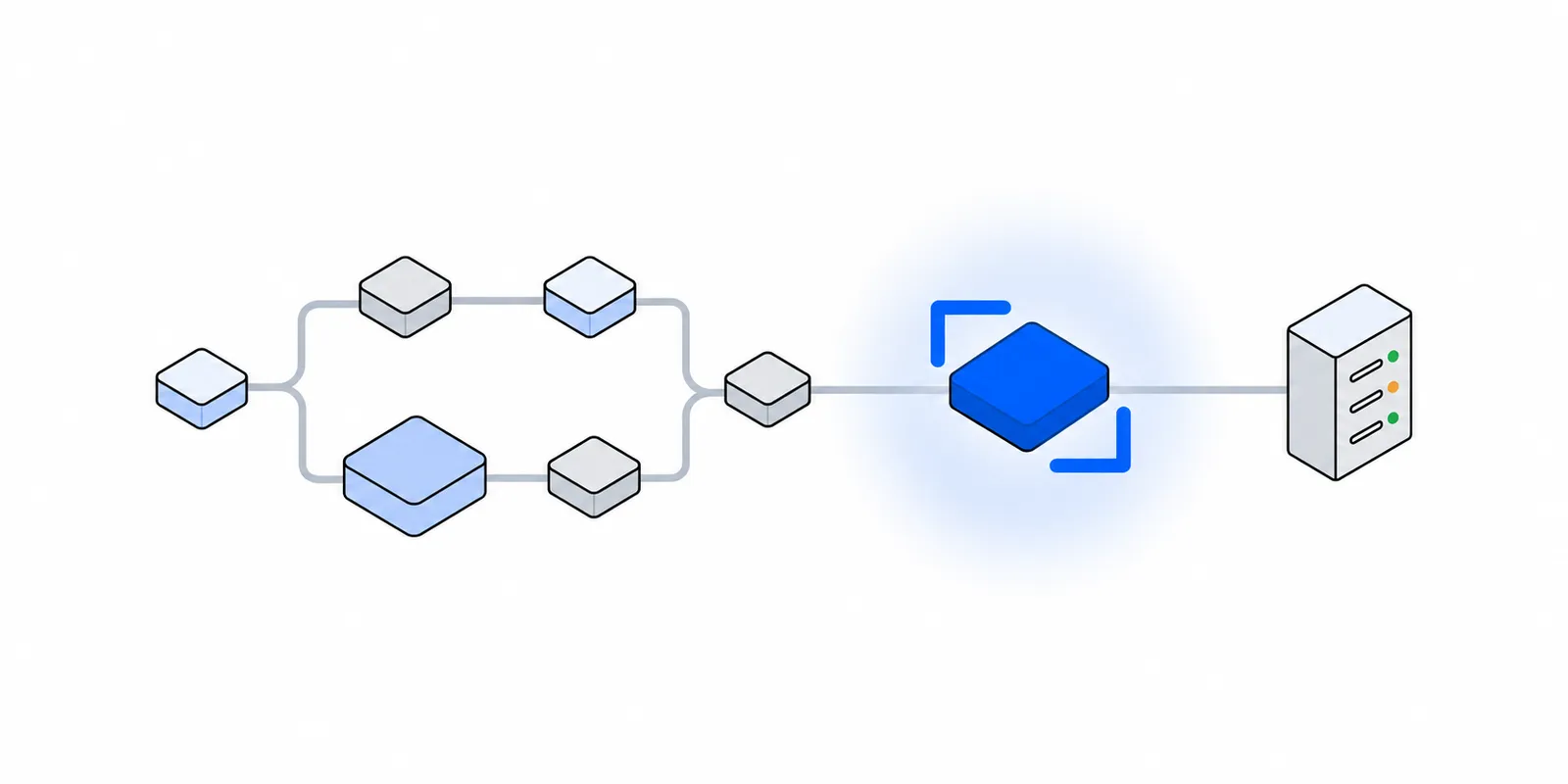
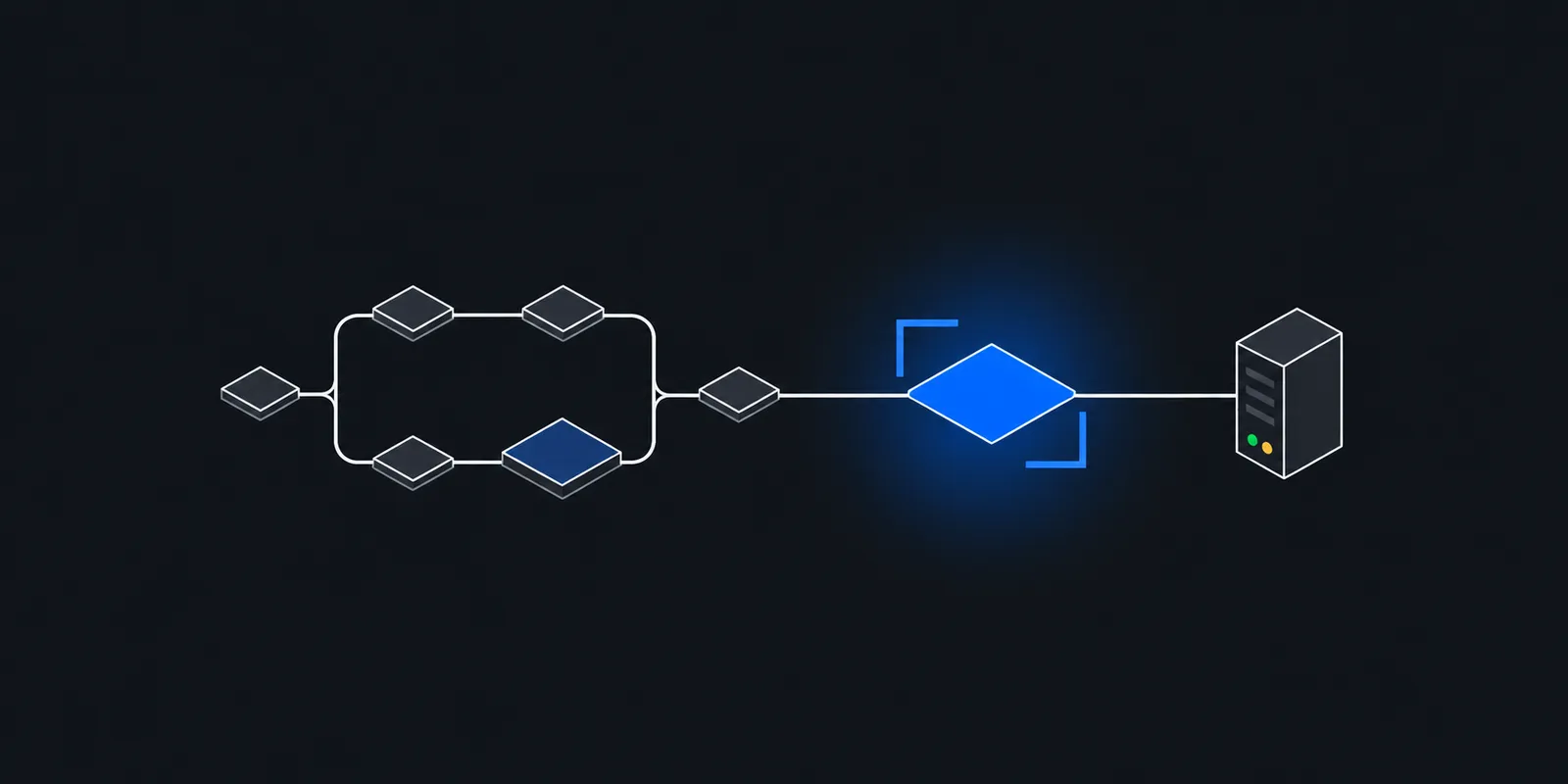
An MCP setup has two network hops. The client, such as Claude, Cursor, ChatGPT, or your own agent, talks to the MCP server. The MCP server's tool code then calls the system behind the firewall. The partner's firewall only sees the second hop. Its source address belongs to whatever machine runs the tool handler.
The specification defines two standard transports. With stdio, the client launches the server as a subprocess on the same machine, so tool calls leave from the user's own network. With Streamable HTTP, the server is an independent process behind one URL, so tool calls leave from wherever you deploy it. The spec says nothing about outbound addresses. That part is up to your host.
The first hop has its own allowlist question, in the other direction. When Claude's MCP connector calls a remote server, the request comes from Anthropic's outbound ranges, 160.79.104.0/21 and 153.61.208.0/20, which every Anthropic customer shares. Limiting your server's inbound side to them narrows who can connect, but it does not identify the caller. The MCP authorization spec handles that with OAuth 2.1.
The rest of this post is about the second hop. For agents that run their tools without MCP, or inside sandboxes, see AI agents behind partner firewalls.
Where common MCP hosts send traffic from
Most remote MCP servers run on a few platforms that publish MCP templates. None of them gives a fixed outbound address by default.
| Host | Default egress | Fixed-IP route |
|---|---|---|
| Cloudflare Workers | Cloudflare network addresses, by data center | No self-serve option, and fetch takes no proxy. Use a relay. |
Vercel Functions (mcp-handler) | Dynamic addresses, no published range | Static IPs on Pro and Enterprise, from a shared pool |
| Google Cloud Run | Google's shared addresses | Direct VPC egress and Cloud NAT with a reserved IP |
| Amazon Bedrock AgentCore Runtime | In VPC mode, no internet at all | Private subnets and a NAT gateway with an Elastic IP |
| Local stdio server | Each user's own connection | A proxy set on that server, or move the tool to a remote server |
Cloudflare Workers
Cloudflare's remote MCP guide builds servers with createMcpHandler from the Agents SDK and marks McpAgent as deprecated. Tool code runs in a Worker, and fetch in a Worker has no proxy option. Cloudflare's Dedicated CDN Egress IPs are for Enterprise customers, and its docs say they are not used for `connect()` sockets. The route that works is a small relay on a platform that can use a proxy, described in edge runtimes and outbound proxies.
Vercel
Vercel's MCP guide uses mcp-handler 2 on Vercel Functions. Without Static IPs, functions leave from dynamic addresses and Vercel publishes no range. Static IPs cost $100 per project per month on Pro, plus Private Data Transfer. Each region gets two addresses from a pool that a small group of customers shares. They apply to every function and environment in the project, previews included, and never to Routing Middleware. Dedicated addresses need Secure Compute, which is Enterprise only.
Google Cloud Run
Google's MCP hosting guide supports Streamable HTTP and not stdio. A static outbound IP takes Direct VPC egress or a connector, a Cloud Router, a reserved address, and a Cloud NAT gateway that uses it. The service must then send all traffic through the VPC with --vpc-egress=all-traffic. Put the router in the same region as the service.
Amazon Bedrock AgentCore
In VPC mode, AgentCore Runtime places network interfaces with private addresses in your subnets. AWS says a public subnet gives them no internet access. Use private subnets that route 0.0.0.0/0 to a NAT gateway, and the NAT gateway's Elastic IP becomes the address partners allowlist. Mumbai (ap-south-1) and Hyderabad (ap-south-2) are both supported. AWS recommends VPC endpoints for ECR, S3, and CloudWatch Logs even with NAT, because image refreshes otherwise pay NAT data processing charges.
Local stdio servers
A stdio server that Claude Desktop, Claude Code, or Cursor launches leaves from the laptop it runs on. On Jio, Airtel, and most Indian home and mobile connections, that address sits behind CGNAT, as expose a local service behind CGNAT explains. Ten engineers running the same server means ten addresses that change on their own.
Proxy per tool, not per server
One MCP server usually exposes many tools. Two of them might reach a firewalled ERP while the rest call public APIs, your own database, or nothing at all. Give each firewalled partner its own proxied HTTP client and its own proxy credential. Leave everything else direct.
- Your server makes outbound calls that are not tools. Token checks against your authorization server, telemetry, and SDK traffic all go through a process-wide proxy too, and none of them needs a fixed IP.
- A credential per partner can be limited to that partner's hosts and revoked without touching the others.
- The proxy's logs then hold only partner traffic, which is what the partner will ask about.
Avoid HTTPS_PROXY on a remote server. Python's httpx reads it by default. Node's fetch ignores it unless the process starts with NODE_USE_ENV_PROXY=1. The same variable then behaves differently across your fleet. Selective proxying with NO_PROXY and per-client agents covers each runtime's rules.
// npm install @modelcontextprotocol/server @modelcontextprotocol/express \
//   @modelcontextprotocol/node express undici zod
import { createMcpExpressApp } from "@modelcontextprotocol/express";
import { toNodeHandler } from "@modelcontextprotocol/node";
import { createMcpHandler, McpServer } from "@modelcontextprotocol/server";
import { fetch, ProxyAgent } from "undici";
import * as z from "zod/v4";

const proxyUrl = process.env.ERP_PROXY_URL;
const erpKey = process.env.ERP_API_KEY;
if (!proxyUrl || !erpKey) throw new Error("ERP_PROXY_URL and ERP_API_KEY are required");

// Created once, outside the per-request factory, so connections are reused.
const erpProxy = new ProxyAgent(proxyUrl);

const handler = createMcpHandler(() => {
  const server = new McpServer({ name: "erp-tools", version: "1.0.0" });

  // Reaches the firewalled ERP, so it goes through the fixed-IP proxy.
  server.registerTool(
    "get_invoice",
    {
      description: "Fetch one invoice from the partner ERP by id, such as INV-2041.",
      inputSchema: z.object({ id: z.string().regex(/^INV-\d{1,10}$/) }),
    },
    async ({ id }) => {
      const res = await fetch(`https://erp.partner.example/v1/invoices/${id}`, {
        dispatcher: erpProxy,
        headers: { Authorization: `Bearer ${erpKey}` },
        signal: AbortSignal.timeout(15_000),
      });
      if (!res.ok) {
        return { isError: true, content: [{ type: "text", text: `ERP returned ${res.status}` }] };
      }
      return { content: [{ type: "text", text: await res.text() }] };
    },
  );

  // A public API needs no fixed IP, so it uses the default dispatcher.
  server.registerTool(
    "get_holidays",
    {
      description: "List public holidays for a year.",
      inputSchema: z.object({ year: z.number().int().min(2000).max(2100) }),
    },
    async ({ year }) => {
      const res = await fetch(`https://holidays.example.com/v1/IN/${year}`, {
        signal: AbortSignal.timeout(15_000),
      });
      return { content: [{ type: "text", text: await res.text() }] };
    },
  );

  return server;
});

// Binding to 0.0.0.0 turns off the default localhost Host check, so list your hostname.
// Add requireBearerAuth from @modelcontextprotocol/express before going live.
const app = createMcpExpressApp({ host: "0.0.0.0", allowedHosts: ["mcp.example.com"] });
const node = toNodeHandler(handler);
app.all("/mcp", (req, res) => void node(req, res, req.body));
app.listen(3000);
# pip install "mcp>=2.3" "httpx>=0.28" uvicorn
# Run: uvicorn server:app --host 0.0.0.0 --port 8000
import os
import re
from collections.abc import AsyncIterator
from contextlib import asynccontextmanager
from dataclasses import dataclass
import httpx
from mcp.server import MCPServer
from mcp.server.mcpserver import Context
from mcp.server.mcpserver.exceptions import ToolError
from mcp.server.transport_security import TransportSecuritySettings
INVOICE_ID = re.compile(r"INV-\d{1,10}")
@dataclass
class Clients:
erp: httpx.AsyncClient # through the fixed-IP proxy
public: httpx.AsyncClient # direct
@asynccontextmanager
async def lifespan(server: MCPServer) -> AsyncIterator[Clients]:
# trust_env=False: ignore HTTPS_PROXY, so the proxy below is the only one.
erp = httpx.AsyncClient(
base_url="https://erp.partner.example",
proxy=os.environ["ERP_PROXY_URL"],
headers={"Authorization": f"Bearer {os.environ['ERP_API_KEY']}"},
timeout=15,
trust_env=False,
)
public = httpx.AsyncClient(timeout=15, trust_env=False)
try:
yield Clients(erp=erp, public=public)
finally:
await erp.aclose()
await public.aclose()
mcp = MCPServer("erp-tools", lifespan=lifespan)
@mcp.tool()
async def get_invoice(invoice_id: str, ctx: Context[Clients]) -> str:
"""Fetch one invoice from the partner ERP by id, such as INV-2041."""
if not INVOICE_ID.fullmatch(invoice_id):
raise ToolError("Invoice ids look like INV-2041.")
erp = ctx.request_context.lifespan_context.erp
res = await erp.get(f"/v1/invoices/{invoice_id}")
if res.status_code != 200:
raise ToolError(f"ERP returned {res.status_code}.")
return res.text
@mcp.tool()
async def get_holidays(year: int, ctx: Context[Clients]) -> str:
"""List public holidays for a year."""
public = ctx.request_context.lifespan_context.public
res = await public.get(f"https://holidays.example.com/v1/IN/{year}")
return res.text
security = TransportSecuritySettings(
allowed_hosts=["mcp.example.com", "mcp.example.com:*"],
)
app = mcp.streamable_http_app(transport_security=security)Both examples use the v2 SDKs, which speak the 2026-07-28 protocol revision. In Python, `MCPServer` replaced `FastMCP` in v2. The TypeScript handler builds a fresh McpServer for each request, as the Express guide shows, so the proxy agent lives outside the factory and is shared. The Python server opens its clients once in the lifespan and closes them on shutdown.
Both versions check the invoice id before it goes into a URL, because the model chooses tool arguments. Both report a failed partner call as a tool error, so the model reads a message instead of a crash. Both also set an explicit Host allowlist. The Python app defaults to localhost-only DNS rebinding protection, and the Python deploy guide shows every request failing with 421 Misdirected Request behind a real hostname otherwise. The TypeScript app drops the Host check when you bind to 0.0.0.0 unless you pass allowedHosts.
A stdio server is its own process, so a proxy in the client config's env block applies to that one server only. The Node caveat about NODE_USE_ENV_PROXY still applies there. Passing the proxy URL to the client in code is still clearer.
The MCP token is not the partner's credential
The authorization spec says MCP servers "MUST NOT accept or transit any other tokens." The token a client presents is issued for your MCP server, and it stops there. To call the partner, the server uses a credential of its own, kept in its environment or a secret manager, never in a tool argument or the prompt.
That has a consequence for the partner. Every user of your MCP server reaches them from the same fixed IP with the same service key. The partner cannot tell your users apart, so your server must. Check the signed-in user's permissions before a tool calls the partner, and log the user with each call.
If the partner offers per-user OAuth, your server becomes what the spec's security best practices call an MCP proxy server, an OAuth client of a third-party API. With a static client id at the partner and dynamic client registration on your side, a leftover consent cookie can let an attacker skip the consent screen. The spec requires your own per-client consent page before you forward to the partner's authorization server, exact redirect URI matching, and single-use state values.
Close the allowlisted path to everything else
A partner's allowlist trusts your IP more than the open internet. Treat that path as a privilege. A tool that takes a URL from the model, or an MCP gateway that connects to servers your users add, lets anyone who can steer the model use your fixed IP. That includes every other system that allowlists it.
The spec's SSRF guidance is written for clients that fetch OAuth metadata, but its fixes apply to any server-side code that fetches URLs. Require HTTPS. Block private, loopback, and link-local ranges, including the 169.254.169.254 metadata address. Validate each redirect target. For server-side deployments it suggests an egress proxy that enforces network policy, such as Smokescreen. It also warns against parsing IP addresses by hand, because octal, hex, and IPv4-mapped IPv6 forms slip past custom parsers.
The proxy that gives you the fixed IP is a good place for that policy. Limit each tool's proxy credential to the exact hosts and ports it calls. A bug or an injected prompt in one tool then cannot use the fixed IP for anything else.
On the inbound side, the 2026-07-28 revision of Streamable HTTP makes every tools/call request carry Mcp-Method and Mcp-Name headers, and the server must reject a request whose headers do not match the body. A WAF or gateway in front of your server can log and rate-limit by tool name without parsing JSON-RPC. Give the tools that reach partners tighter limits than the rest.
What to tell the security team
Two security teams will review this, yours and the partner's. MCP is new to many reviewers, so describe the flow in terms they already use. These are the questions that come up, with answers for the setup above.
| They will ask | A good answer |
|---|---|
| Which process calls us? | The get_invoice tool in our MCP server, running on our Cloud Run service in Mumbai. No model provider and no employee laptop calls you. |
| From which addresses? | Two IPv4 addresses that only our account sends from. Nothing else in our stack uses them. |
| Who can trigger the tool? | Only users who sign in to our MCP server through OAuth. Tokens are issued for our server and checked for audience. |
| Whose credential reaches us? | One service key per environment, held by the server. The MCP client never sees it, and we never forward user tokens. |
| What can the model ask for? | Invoice reads by id, checked against a pattern. No free-form URLs. Writes need a human to approve them. |
| Can the proxy credential reach anything else? | No. It can open connections only to erp.partner.example:443. |
| What do you log? | Each tool call with the user and invoice id on our side. Each connection's destination, bytes, and time at the proxy. No request bodies. |
| What if the proxy is down? | The call fails. The tool has no direct fallback, so traffic never leaves from another address. |
Answer only what is true of your setup. For the general checklist, such as IP pairs, notice before an address changes, and a named contact, see what to tell the partner's security team. Indian banks add their own onboarding steps, covered in bank API onboarding in India.
Doing this with Fixedmark
Fixedmark gives an app a pair of static outbound IPv4 addresses in Mumbai, Singapore, Newark, or Ashburn, reached through one proxy URL. It is in early access and not generally available yet. In the examples above, set ERP_PROXY_URL to your Fixedmark proxy URL, which looks like https://APP_ID:TOKEN@mum.egress.fixedmark.com:443. It works anywhere the tool's HTTP client accepts a proxy, including Vercel Functions, Cloud Run, AgentCore Runtime, and local stdio servers. Cloudflare Workers still need the relay. The Node.js and Python docs list tested library versions.
- An app can hold several tokens. Give each partner tool its own, so you can revoke one without breaking the others.
- Destination allowlists limit a token to hosts and ports such as
erp.partner.example:443. A denied CONNECT gets403 ForbiddenwithX-Proxy-Error: denied_by_policy, and private and reserved ranges stay blocked whatever the rules say. They come with Business, planned at $79 a month, and larger plans. - Connection logs record the destination, SNI, bytes, egress IP, result, and credential id of every connection. TLS is never decrypted and no content is stored.
- A dedicated pair starts with Pro at a planned $29 a month. The trial runs on a shared pair, so do not register its addresses with a partner. See pricing.
# Run inside the MCP server's runtime, not on your laptop.
# Through the proxy: one of the two IPs in your pair.
curl -sS --proxy "$ERP_PROXY_URL" https://fixedmark.com/api/ip

# Direct: the host's own, changing address.
curl -sS https://fixedmark.com/api/ip
Then call the tool once from the MCP Inspector and find its connection in the logs. More checks are in verify your egress IP. To try it before launch, join early access.
Sources
Checked November 2026. Confirm current details on the vendor's site before you decide. Prices and limits change.
- MCP specification: Transports
- MCP specification 2026-07-28: Streamable HTTP
- MCP specification 2026-07-28: Authorization
- MCP: Security best practices
- Anthropic: IP addresses
- Cloudflare: Build a remote MCP server
- Cloudflare: Dedicated CDN Egress IPs with other products
- Vercel: Deploy MCP servers to Vercel
- Vercel: Static IPs
- Google Cloud: Host MCP servers on Cloud Run
- Google Cloud: Static outbound IP address for Cloud Run
- AWS: Configure AgentCore Runtime and tools for VPC
- AWS: AgentCore Gateway VPC egress for targets
- MCP TypeScript SDK v2: Express
- MCP Python SDK: What's new in v2
- MCP Python SDK: Deploy and scale