On this page
Why port forwarding stops working
Port forwarding is an instruction to your router. It says that a connection arriving on the router's public address at port 443 should go to 192.168.1.20:8080 on your LAN. That only works if the router owns a public address that the internet can route to.
Under CGNAT it does not. The ISP gives your router an address from a private pool and translates your traffic again at its own NAT device, where many customers share a small set of public IPv4 addresses. Your router's port forward is correct, but no connection ever reaches it. The ISP's NAT gets the packet first and has no rule that says which customer should receive it.
The pool most ISPs use is 100.64.0.0/10. RFC 6598 reserved it as Shared Address Space to number the links between CGN devices and customer routers, and it states that this space is not globally routable. If your router's WAN address starts with 100.64 to 100.127, you are behind CGNAT.
The IETF measured what this breaks. RFC 7021 tested common applications through a second layer of NAT and found that servers inside the home failed, and that applications needing a fixed port failed when several subscribers tried to use the same one. Hosting a service is the case CGNAT breaks first.
What this looks like in India
Indian networks run out of IPv4 like everyone else, and the large ones answered with IPv6 plus shared IPv4. Jio built its network dual stack from launch. In Jio's 2017 APNIC post, a Jio engineer writes that the network avoided the need for stateful CGN, and names MAP-T as one of its IPv4 compatibility methods. MAP-T (RFC 7599) still shares one IPv4 address among several customers, and each customer may use only the ports in its assigned port set. Either way, you do not own a whole IPv4 address, so you cannot claim port 443 on it.
Network engineer Anurag Bhatia's survey of Indian IPv6 deployment notes that Indian ISPs must keep CGNAT translation logs, and that IPv6 on mobile had grown across Jio, Airtel, and Vodafone Idea. A phone hotspot rarely helps, since it puts your laptop behind the phone's mobile connection, which usually shares IPv4 the same way. Many home fiber lines share it too, and JioFiber owners on forums report 100.x WAN addresses. Your connection may differ, so check it yourself.
Check whether you are behind CGNAT
- 1Read the router's WAN addressOpen the router's admin page and find the WAN or internet status. Note the IPv4 address it shows. Ignore the LAN address, which is usually
192.168.x.x. - 2Read the address the internet seesFrom a machine on the same network, run
curl -4 https://icanhazip.com, or open What's my IP. Force IPv4, since your machine may prefer IPv6. - 3Compare the twoIf they match, you have a public IPv4 address and port forwarding can work. If the WAN address is in
100.64.0.0/10, you are behind CGNAT. If it is in10.0.0.0/8,172.16.0.0/12, or192.168.0.0/16, something upstream NATs you again. That can be the ISP, or an ONT in router mode in front of your own router. - 4Look at the path outRun
traceroute -n 1.1.1.1. A hop in100.64.0.0/10right after your router is the ISP's shared network.
# The IPv4 address the internet sees
curl -4 -s https://icanhazip.com

# The first few hops out. A 100.64.0.0/10 hop after your router means CGNAT.
traceroute -n -m 5 1.1.1.1import ipaddress
import sys
SHARED = ipaddress.ip_network("100.64.0.0/10") # RFC 6598
wan = ipaddress.ip_address(sys.argv[1]) # the router's WAN address
if wan in SHARED:
print("CGNAT: inbound IPv4 connections stop at the ISP")
elif wan.is_private:
print("Double NAT: another device or the ISP translates again")
else:
print("Public IPv4: port forwarding can work")Run it as python3 is_cgnat.py 100.71.23.9. The script checks the shared range first on purpose, so the result does not depend on how your Python version classifies it.
Fixes that need no tunnel
Ask the ISP for a public or static IPv4 address
ISPs sell static IPv4 addresses, often only on business plans. Jio's Business Internet Line lists a public static IP among its features. Home plans vary by ISP, city, and the person on the support line, so ask for a public IPv4 address on the WAN in those words. A static address costs extra each month and still leaves your home connection as the single path in.
Use IPv6 directly
Jio and ACT give many home connections IPv6, and with IPv6 every device can have a globally routable address. Two things get in the way. The router still decides whether unsolicited inbound IPv6 reaches your device. RFC 6092 describes a gateway that does not forward unsolicited inbound traffic by default and offers a transparent mode as an option, so look for an IPv6 firewall or pinhole setting. And your callers must have IPv6 too. A partner's server, a webhook sender, or an office network on IPv4 only cannot reach an IPv6-only service.
Port Control Protocol (RFC 6887) lets a host ask a CGN for an inbound mapping, and RFC 7021 lists it as a workaround. It only helps if your ISP runs it and lets customers use it, so confirm that before you plan around it.
How an outbound tunnel gets around CGNAT
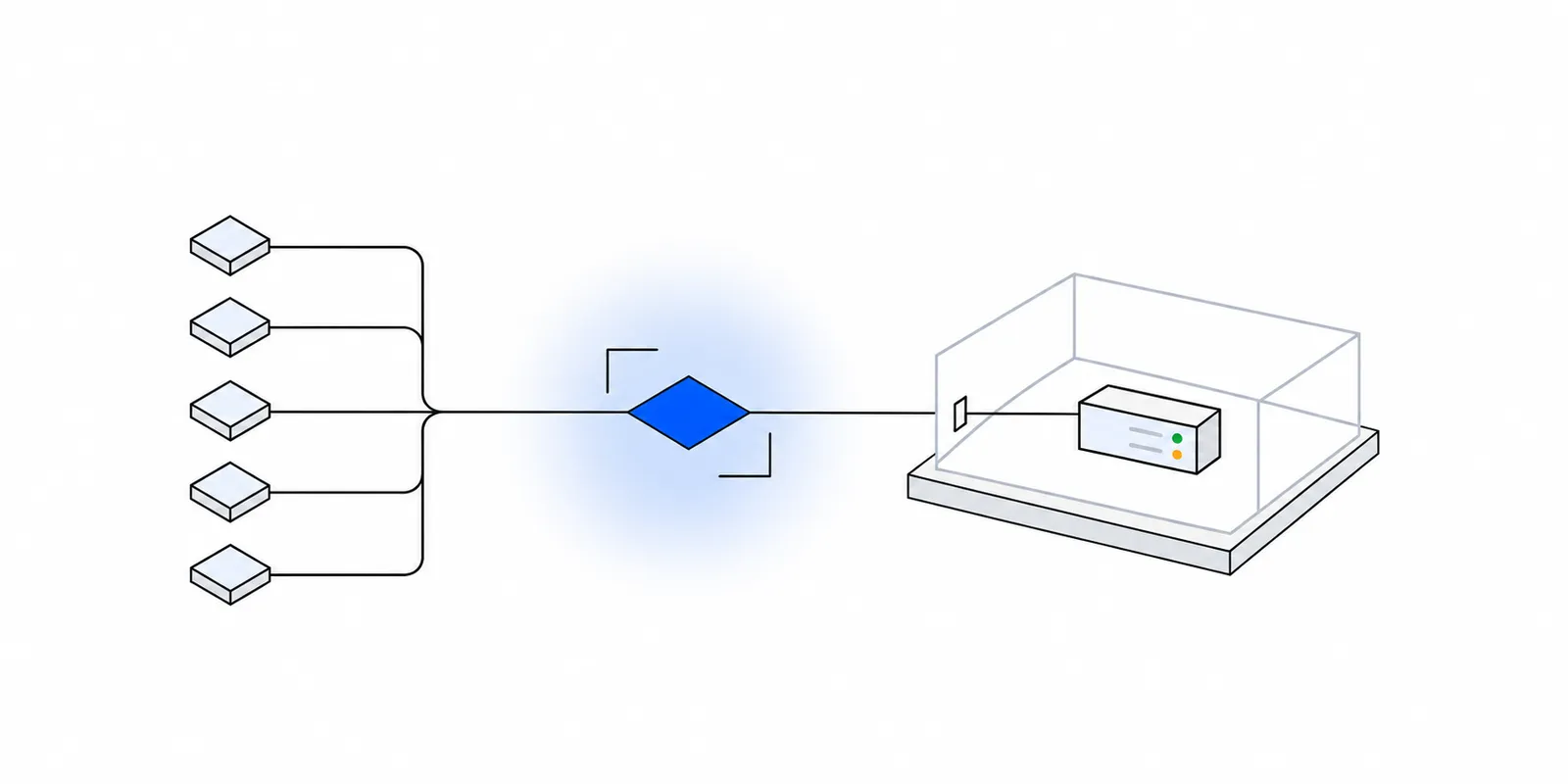
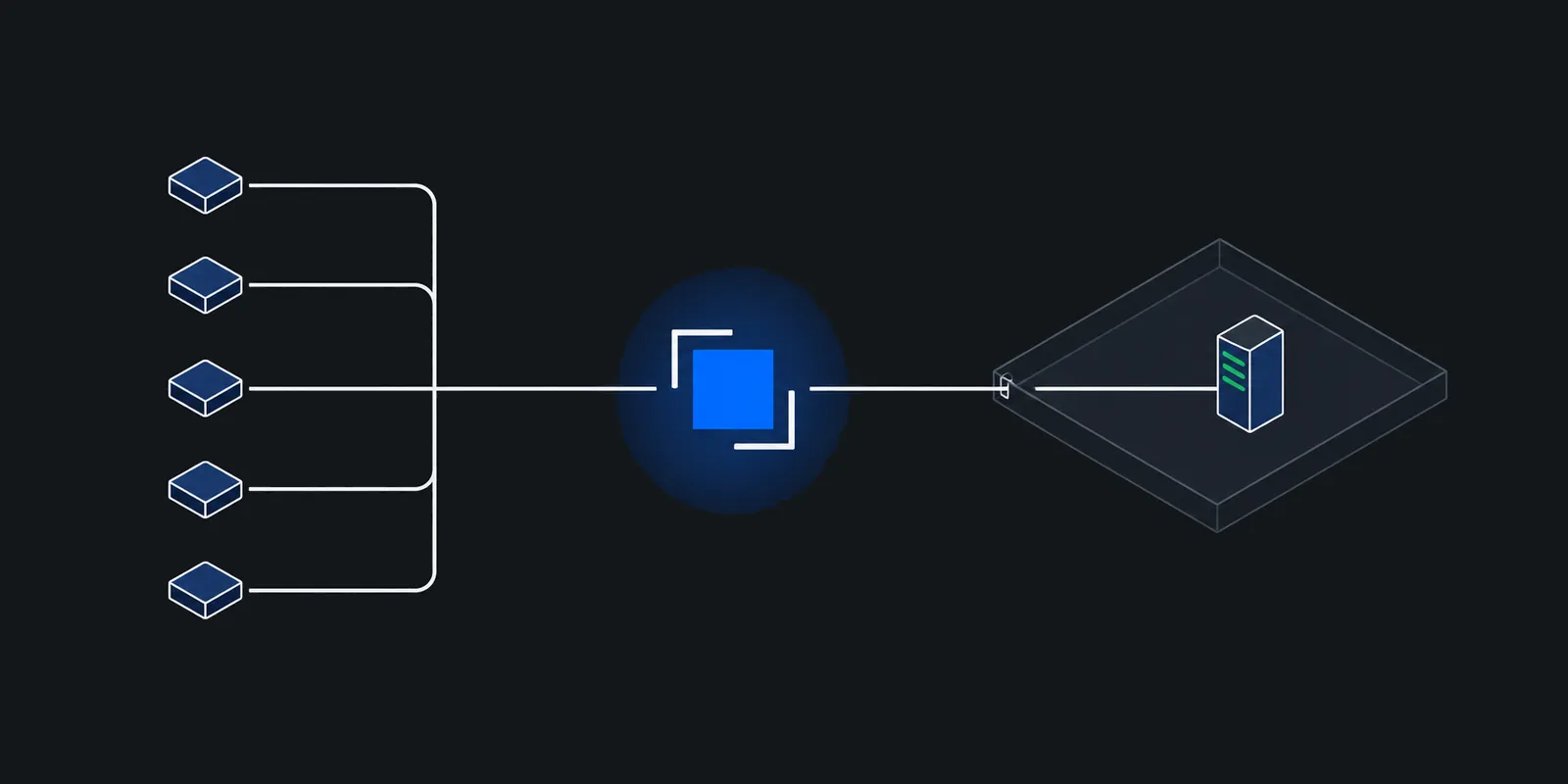
CGNAT blocks connections coming in. It does not block connections going out, and once a connection is open, data flows both ways. A tunnel uses that. An agent on your machine opens a long-lived outbound connection to a relay with a public address. When a caller connects to the relay, the relay sends that connection down the existing tunnel, and the agent hands it to your local service.
- The agent dials the relay, usually on port 443 or a fixed tunnel port, and authenticates with a token or key.
- The relay listens on a public address, and maps a hostname or port to that agent.
- A caller connects to the relay. The relay picks the agent's session and opens a stream inside it.
- The agent connects to the local target, such as
127.0.0.1:8080, and copies bytes both ways. - Keepalives hold the outbound session open, so the CGN does not drop the idle mapping.
You can build the relay yourself on any VPS with a public IPv4 address. Two common ways are an SSH reverse forward and a WireGuard link.
SSH reverse forward to a VPS
ssh -R asks the VPS to listen on a port and send each connection back to your machine. By default, sshd binds a remote forward to loopback only, and GatewayPorts defaults to no. Keep that default. Put a reverse proxy such as Caddy on the VPS to take public HTTPS and forward to the loopback port.
# Listen on 127.0.0.1:9000 on the VPS and send connections to 127.0.0.1:8080 here.
ssh -N \
  -o ServerAliveInterval=30 \
  -o ExitOnForwardFailure=yes \
  -R 9000:127.0.0.1:8080 \
tunnel@vps.example.comapp.example.com {
reverse_proxy 127.0.0.1:9000
}Run the ssh command under systemd or autossh so it comes back after a drop. Limit the key in the VPS's authorized_keys with restrict,port-forwarding,permitlisten="localhost:9000", so it can open that one forward and no shell. TLS ends at Caddy on your VPS, which you control.
WireGuard link to a VPS
WireGuard gives your home machine a private address the VPS can reach. The home side must send keepalives, or the CGN forgets the mapping and the VPS can no longer send packets in. The WireGuard quick start calls 25 seconds a sensible interval for most firewalls, and the default is off.
[Interface]
Address = 10.8.0.1/24
ListenPort = 51820
PrivateKey = <vps-private-key>

[Peer]
PublicKey = <home-public-key>
AllowedIPs = 10.8.0.2/32
[Interface]
Address = 10.8.0.2/24
PrivateKey = <home-private-key>
[Peer]
PublicKey = <vps-public-key>
Endpoint = vps.example.com:51820
AllowedIPs = 10.8.0.1/32
PersistentKeepalive = 25The VPS then proxies public traffic to 10.8.0.2:8080, with the same Caddyfile and that address in place of the loopback port. Bind the service to 10.8.0.2 rather than every interface, so only the tunnel reaches it. WireGuard carries any IP traffic, not only TCP, and the VPS gives callers a fixed public address for their own firewall rules. You run and patch the VPS, and it is one machine, so it is also one point of failure.
Hosted tunnels compared
Hosted services run the relay for you. They differ most in where TLS ends, which ports they serve, and who can connect by default.
- Cloudflare Tunnel runs
cloudflared, which makes outbound connections to Cloudflare's network, so the origin needs no publicly routable IP. Cloudflare notes you can then block all inbound traffic in your firewall. It needs outbound port 7844 over TCP or UDP (firewall guide). For a public hostname, Cloudflare runs two connections, visitor to Cloudflare and Cloudflare to origin, so your HTTP traffic is readable at its edge. A Quick Tunnel needs no account and gives a randomtrycloudflare.comname, for testing only. - Tailscale Funnel publishes a service on your tailnet's
ts.netname. It listens only on ports 443, 8443, and 10000. TLS ends on your own device, and Tailscale says its Funnel relay cannot decrypt the traffic. - ngrok runs an agent that dials out over TLS on port 443. An HTTPS endpoint terminates TLS at ngrok's cloud. A TLS or TCP endpoint can pass TLS through to the agent or to your service instead.
| Option | What you need | Where TLS ends | Who can connect by default |
|---|---|---|---|
| Public IPv4 from the ISP | A plan or add-on that gives one | Your machine | Anyone, through your port forward |
| IPv6 direct | IPv6 on the line, a router pinhole, IPv6 callers | Your machine | Whatever the router's IPv6 firewall admits |
| SSH or WireGuard to a VPS | A VPS with a public IPv4 address | Your VPS or your machine | Whatever the VPS firewall admits |
| Cloudflare Tunnel | A domain on Cloudflare, or a Quick Tunnel | Cloudflare's edge | Anyone, until you add Access |
| Tailscale Funnel | A tailnet with Funnel allowed in its policy | Your device | Anyone with the ts.net URL |
| ngrok | An ngrok account | ngrok's cloud for HTTPS, or your side for TLS endpoints | Anyone, until you add a traffic policy |
For a quick named Cloudflare tunnel, the commands are short. The config file must end with a catch-all rule, here a 404.
cloudflared tunnel login
cloudflared tunnel create home
cloudflared tunnel route dns home app.example.com
cloudflared tunnel run hometunnel: <TUNNEL-UUID>
credentials-file: /home/you/.cloudflared/<TUNNEL-UUID>.json
ingress:
- hostname: app.example.com
service: http://localhost:8080
- service: http_status:404The security model of exposing a local service
A tunnel removes the open port on your router. It does not reduce what you expose. Once a public hostname reaches your service, anyone who can reach that hostname can attack the service, exactly as if you had forwarded a port. Plan for that.
- Decide who may connect, and enforce it before traffic reaches your machine. Most hosted tunnels are open to the whole internet by default. ngrok's restrict-ips action checks the connection's real source address, and Cloudflare Access puts a sign-in between the user and your origin. For a partner integration, a source IP allowlist plus app-level auth is a good pair. IP allowlists in a zero trust world covers why both matter.
- Know who can read your traffic. If the relay terminates TLS, the relay operator sees every request and response in clear text. If TLS ends on your machine or in your service, the relay sees only the server name, addresses, byte counts, and timing. TLS passthrough explains what a passthrough hop can still see.
- Bind the service to
127.0.0.1. The tunnel agent runs on the same machine, so the service never needs to listen on your LAN. This also stops a device on your Wi-Fi from sending a request with a forgedX-Forwarded-Forheader that your app would trust. - Treat the agent's token as a credential. Anyone who holds it can attach their own machine to your hostname and receive your callers' traffic. Keep it in a file only the service user can read, out of shell history, and rotate it when a machine leaves your hands.
- Expose one port, not a network. Point the tunnel at one target. A tunnel that reaches your whole LAN turns one bug in one service into access to your NAS and router admin page.
- Isolate the machine. Run the service and the agent in a VM, a container, or a separate VLAN, so a compromise stays there.
- Keep logs of who connected. You want the caller's source address, the time, and the result for each connection, on the relay side as well as in your app.
Doing this with Fixedmark
Fixedmark is in early access. Its inbound side is tunnels. You run fixedmarkd, the connector, on the machine next to your service. It dials out on port 443 to two shared Fixedmark ingress IPs on two nodes and holds a session to each, so the machine needs outbound 443 only and opens no inbound port. Partners reach a hostname on 443, or a TCP port from 20000 to 29999, and each connection comes down a session to the local target you name.
fm connectors create --app shop --name laptop
sudo fixedmarkd install --token-file fm-connector-laptop.token

fm routes create --app shop --kind http --name web \
  --connector laptop --to 127.0.0.1:8080 \
--partner 198.51.100.0/24- Every route except
accessadmits only the partner addresses you list, and the node checks the list before anything reaches your machine. Opening a route to the whole internet takes0.0.0.0/0with--allow-any, so it is never the default. - Nodes pass TLS through. An
httproute terminates TLS in fixedmarkd on your machine, with a Let's Encrypt certificate it orders itself by DNS-01, and the key never leaves the machine. Atlsortcproute passes the bytes unchanged to your target. - On an
httproute, fixedmarkd drops partner-supplied forwarding headers such asX-Forwarded-Forand sets its own. The docs say to bind your target to127.0.0.1so no one else on your network can forge them. - If one node fails, its IP leaves the hostname's DNS records. If both IPs of a group fail, the route moves to another healthy group in the same region. Tunnels lists the bounds.
The limits today are plain. fixedmarkd runs on Linux and macOS, not Windows. Its download is not published yet. Hostnames sit under a tunnel zone, and the domain for that zone is not chosen yet. Custom domains on shared routes are planned. The trial has no tunnels. In the planned launch pricing, tunnels come with Pro and up. A partner that must allowlist an address only you use can add a dedicated inbound IP, which is also how you serve your own names by SNI. SNI routing explained covers how one IP serves many hostnames, and webhook receivers on private networks covers retries and signatures for the webhook case.
Sources
Checked November 2026. Confirm current details on the vendor's site before you decide. Prices and limits change.
- RFC 6598: IANA-Reserved IPv4 Prefix for Shared Address Space
- RFC 7021: Assessing the Impact of Carrier-Grade NAT on Network Applications
- RFC 7599: Mapping of Address and Port using Translation (MAP-T)
- APNIC Blog: Reliance Jio boosts India past 20% IPv6 capability
- Anurag Bhatia: Indian IPv6 deployment
- RFC 6092: Simple Security in IPv6 Residential CPE
- OpenBSD: sshd_config(5), GatewayPorts
- WireGuard: Quick start, NAT and firewall traversal
- Cloudflare: Cloudflare Tunnel
- Tailscale: Funnel
- ngrok: TLS termination
- Jio Business: Business Internet Line