On this page
Two directions, two different requests
A security review from a large customer often asks you for an IP list. That one request can mean two different firewall rules, and the fix for each is different. Ask which one they mean before you change anything.
| Direction | Who opens the connection | Rule on the customer side | What you need |
|---|---|---|---|
| Customer to you | Their staff, servers, or SSO proxy call your app or API | An egress rule that allows your destination IPs on 443 | Fixed inbound addresses on your edge |
| You to customer | Your service calls their API, SFTP server, database, or webhook receiver | An ingress rule that allows your source IPs | Fixed egress addresses for those calls |
| You admit the customer | Their systems call you, and you only accept their ranges | None. The rule is on your side | Their published egress ranges, and a per-tenant check |
The first row is the one most SaaS teams are not ready for. Locked-down corporate networks often deny outbound traffic by default and allow only listed destinations. Your app works for every other customer, and for this one it times out at their proxy or firewall.
Why your current addresses fail the review
Most SaaS stacks never had a fixed public address. Each common front door has its own reason for that.
- An AWS Application Load Balancer has no static IP. Its addresses change as AWS adds or removes nodes. Before 2021, AWS says customers had to set up custom mechanisms, like AWS Lambda functions, to manage ALB IP address changes.
- A CDN or proxy in front of you answers with shared addresses. Cloudflare states that it has several IP address ranges which are shared by all proxied hostnames. A customer who allows those ranges allows every other site on that network too.
- Serverless and PaaS egress comes from shared, changing pools. See why serverless egress IPs change.
- A cloud provider's published ranges are not an answer either. They are huge and cover every other tenant. See cloud IP ranges are not an allowlist.
The cost of getting this wrong shows up later. Freshservice told its customers that IP-based allowlisting of Freshservice endpoints will no longer be supported after 5th November, 2025, and that requests to the old load balancer IPs may fail. Customers had allowlisted addresses the vendor did not control, and every one of them had a firewall change to make.
When a domain rule is enough
Freshservice moved customers to domain rules instead, and that is a fair answer when the customer's firewall supports them well. Next-generation firewalls and secure web gateways can allow traffic by name. Ask first, because it saves you from running fixed addresses at all.
Domain rules have limits a network team will raise. A firewall FQDN object is resolved by the firewall, on its own timer. Palo Alto's PAN-OS, for example, refreshes each FQDN on its DNS TTL but uses the higher of the DNS TTL time and the configured Minimum FQDN Refresh Time. Its load-balanced mode keeps at most 100 resolved addresses per name. A name on a CDN can answer one resolver with one address and the client's resolver with another, so the rule and the traffic disagree.
Some teams also allow only IPs by policy, for audit or for older equipment. Offer the domain list, and keep a fixed-address path for the customers who cannot use it.
Options for a fixed inbound address
Each option below gives the customer an address that does not change while you keep the resource. Pick by where your service runs and how many addresses you want to publish.
| Option | Addresses | Notes |
|---|---|---|
| AWS Network Load Balancer with Elastic IPs | One per enabled Availability Zone | Layer 4. You can register an ALB as its target to keep layer 7 routing behind fixed IPs. |
| AWS Global Accelerator | Two static anycast IPv4 addresses | Fronts ALBs, NLBs, or instances. Costs $0.025 per hour plus data transfer, and you lose the addresses if you delete it. |
| Google Cloud global load balancer | One anycast address per forwarding rule | Reserve a global external address and name it on the forwarding rule, rather than letting Google assign one. |
| Cloudflare static IPs or BYOIP | Assigned to your account | Arranged through the account team. Proxied names then answer with your addresses. |
| A VM with a static IP and a reverse proxy | One per VM | Cheap and simple. You own patching, scaling, and failover. |
| A dedicated inbound IP from a provider | One address that is yours alone | Sits in front of your existing origin. Check how it fails over. |
On AWS, the NLB in front of an ALB is the common pattern. The Network Load Balancer has one IP address per enabled Availability Zone, and with an Elastic IP mapped to each subnet those addresses stay put. Allocate the addresses first, then map one to each subnet when you create the NLB.
# Two Elastic IPs, one per Availability Zone
aws ec2 allocate-address --domain vpc --query AllocationId --output text
aws ec2 allocate-address --domain vpc --query AllocationId --output text

# NLB with a fixed address in each subnet
aws elbv2 create-load-balancer \
  --name partners-nlb \
  --type network \
  --scheme internet-facing \
  --subnet-mappings \
    SubnetId=subnet-0aaa1111bbbb2222c,AllocationId=eipalloc-0aaa1111bbbb2222c \
    SubnetId=subnet-0ddd3333eeee4444f,AllocationId=eipalloc-0ddd3333eeee4444f \
  --security-groups sg-0123456789abcdef0

# Target group of type alb, so the ALB keeps doing HTTPS and routing
aws elbv2 create-target-group \
  --name partners-alb-tg \
  --protocol TCP --port 443 \
  --target-type alb \
  --vpc-id vpc-0123456789abcdef0
Attach the security group at creation. AWS warns that if you create an NLB without one, you cannot add one later. Register the ALB in the target group, add a TCP 443 listener on the NLB that forwards to it, and the ALB keeps terminating TLS with your certificate. Each Elastic IP also carries the AWS public IPv4 charge, covered in the AWS public IPv4 charge explained.
Global Accelerator is the option when you want two addresses for several regions. AWS documents that for IPv4, Global Accelerator provides two static IPv4 addresses, anycast from its edge, and that they stay with the accelerator even while it is disabled. Its pricing page lists a fixed fee of $0.025 for every full or partial hour, about $18 a month, plus a per-GB premium on the dominant traffic direction.
If the customer is on AWS and wants no public path at all, the same NLB can back an AWS PrivateLink endpoint service. Private links and site-to-site VPNs remove the IP allowlist question, at the cost of per-customer setup on both sides.
Options for a fixed outbound address
The reverse direction is your service calling into the customer. Webhooks, SFTP drops, calls to an on-premises API, and database syncs all leave from your egress IP, and the customer's firewall admits only the addresses you give them.
- Route the workers that make these calls through a NAT gateway with Elastic IPs. It works, and it bills per hour, per AZ, and per GB. See NAT gateway hidden costs.
- Send only those calls through an egress proxy with fixed IPs, and leave the rest of your traffic on the platform's default path. This fits serverless apps that have no VPC to put a NAT in.
- Give large tenants their own egress addresses. Atlassian's Isolated Cloud gives each environment its own egress IP addresses, so those customers do not allow addresses shared with other tenants.
Publish at least two egress addresses on separate hosts, so one failure does not cut off every customer. Static IP pairs and failover covers how clients and partners handle a pair.
What to publish for customers
Network teams want one place to read the list, and a promise about how it changes. Atlassian's page is a good model. It lists the egress-only ranges apart from the rest, offers a list made for machine consumption, and sends change notices to subscribers of an SNS topic, with a blog post a few weeks before major region changes.
- Destination addresses, ports, and protocols for traffic into your service, and the host names that resolve to them.
- Source addresses for traffic from your service, and which features use them (webhooks, SFTP, API callbacks).
- A machine-readable copy with a version or date field, so their automation can diff it.
- A change policy. State the notice period, how you announce it, and that old and new addresses run side by side until the cut-over date.
- A test the customer can run from their own network.
{
  "updated": "2026-11-10",
  "ingress": [
    { "address": "203.0.113.10/32", "ports": [443], "hostnames": ["partners.example.com"] },
    { "address": "203.0.113.11/32", "ports": [443], "hostnames": ["partners.example.com"] }
  ],
  "egress": [
    { "address": "192.0.2.20/32", "used_for": ["webhooks", "sftp"] },
    { "address": "192.0.2.21/32", "used_for": ["webhooks", "sftp"] }
  ]
}dig +short partners.example.com A
openssl s_client -connect 203.0.113.10:443 -servername partners.example.com </dev/null
curl -sv https://partners.example.com/health -o /dev/nullThe openssl line proves the firewall lets the address through and that your certificate is served for the name. Give the customer the exact commands, so a failed test points at their firewall or yours without a call.
Admitting the customer back
Some customers also want you to accept their traffic only from their ranges. They give you their published egress addresses, and you drop everything else for their tenant. This is the same idea as allowlisting payment webhook source IPs, pointed the other way.
aws ec2 authorize-security-group-ingress \
  --group-id sg-0123456789abcdef0 \
  --ip-permissions 'IpProtocol=tcp,FromPort=443,ToPort=443,IpRanges=[{CidrIp=198.51.100.0/24,Description="Acme corp egress"}]'
A network rule like this admits that range to everything behind the listener, for every tenant. A per-tenant rule needs either a listener or address per customer, or a check in your app that maps the source address to the tenant. If the check runs behind an ALB, read the client address from X-Forwarded-For as the ALB sets it, and trust that header only from the load balancer.
Keep your normal authentication in place. A source IP check is one layer, not a replacement for tokens, mTLS, or signed requests. IP allowlists in a zero trust world covers how the layers fit.
Doing this with Fixedmark
Fixedmark is in early access. For the outbound direction, plans with dedicated IPs give your app a pair of static outbound IPv4 addresses reserved for your account, reached through one proxy URL over HTTP CONNECT or SOCKS5. Route only the calls into customer networks through it, and publish the pair as your egress list. See partner API allowlisting.
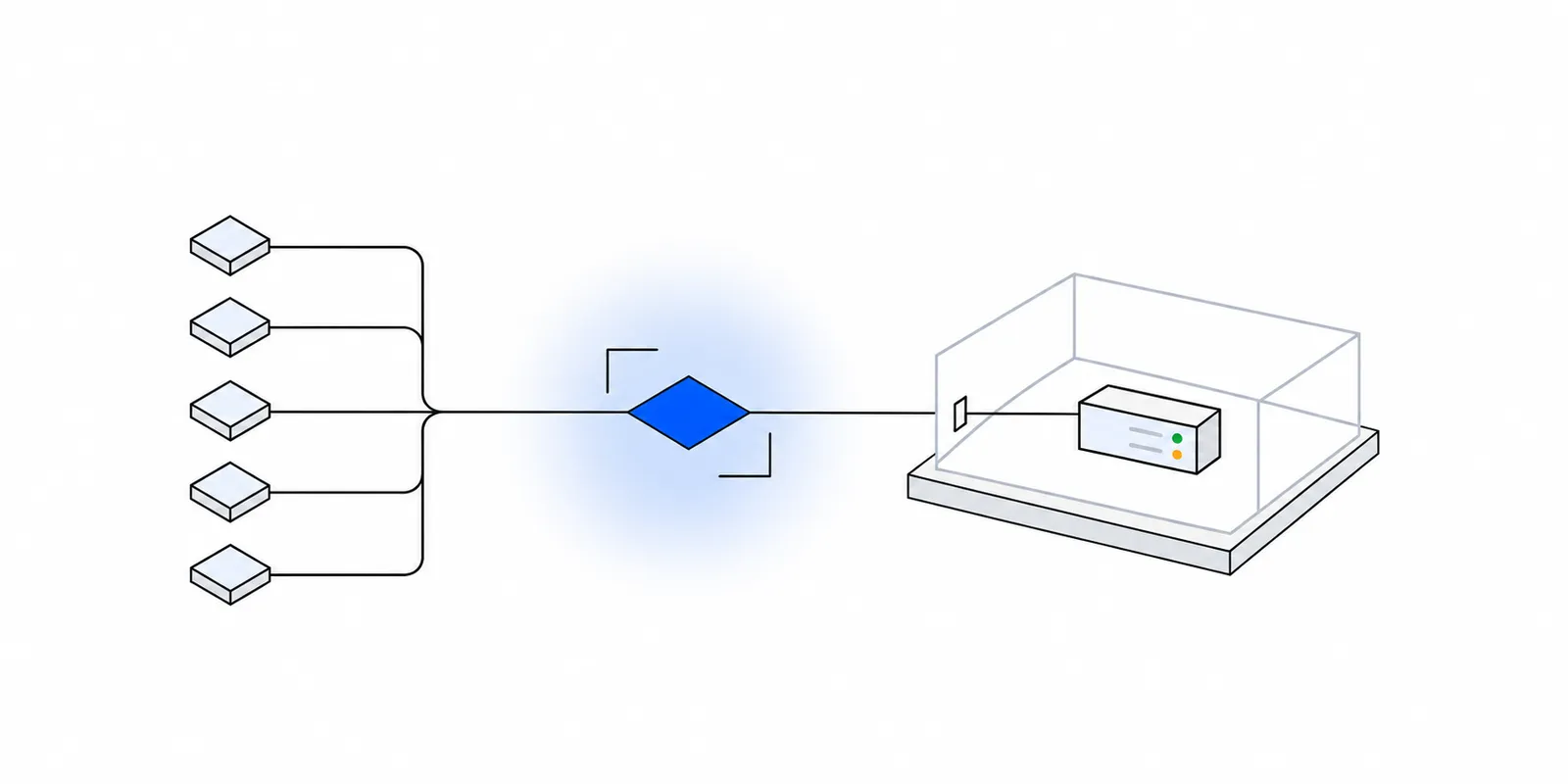
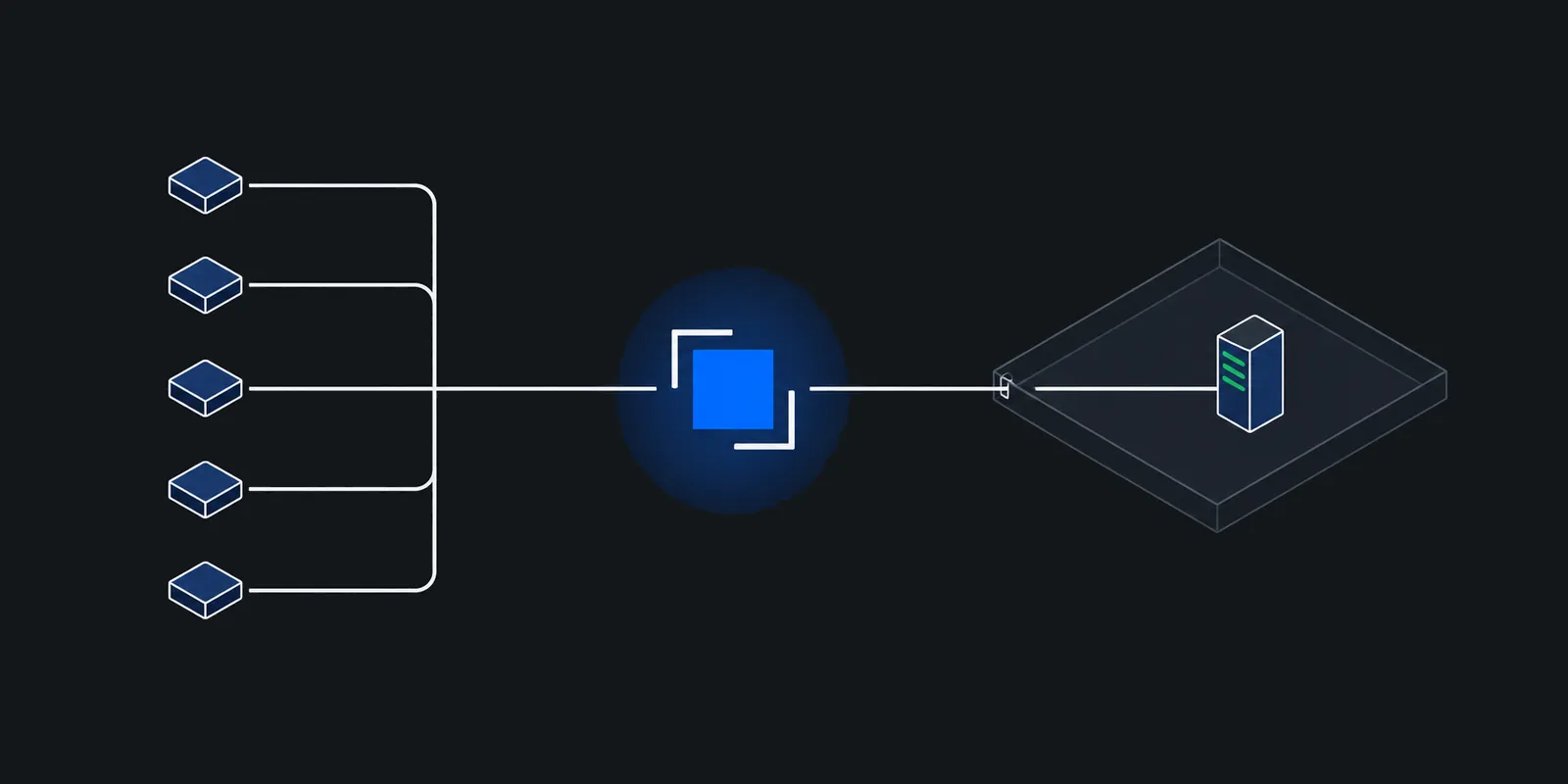
For the inbound direction, the dedicated inbound IP add-on places a route on one Fixedmark IP of your own, so customers allowlist an address no one else uses. With your own host names, a tls route answers on port 443 and the node reads only the server name in the TLS ClientHello to pick the route. Your origin keeps the certificate and terminates TLS, and Fixedmark never decrypts the traffic. The route also takes the customer's source ranges, so one route covers their egress rule and your admission rule.
fm routes create --app APP_ID --kind tls --name partners \
  --dedicated-ip IP_ID --sni partners.example.com \
  --origin origin.example.com:443 \
  --partner 198.51.100.0/24
Point an A record for the name at the IP, and wait for the route to read active. A source outside the partner list is dropped by the node's firewall before the proxy sees it. When a new customer signs, fm routes partners set replaces the list with every range you name, and nodes apply it within seconds. A list takes 1 to 256 IPv4 entries, and 0.0.0.0/0 is refused unless you pass --allow-any.
- The origin is a host name with an A record or a public IPv4 address, or a service behind a connector when it has no public address.
- Your origin sees the connection come from your Fixedmark IP, so it can allow that one address. The customer's address is in the connection log as
peer. With a host origin, no header or PROXY protocol line is added, so your app cannot check the source itself. Put that check in the partner list, with a route per customer when tenants must stay apart. - Plain TCP, or TLS on another port, uses a
tcproute on a port from 20000 to 29999. - A dedicated route is never moved to another IP, since customers allowlist that address. What holds the IP when its node fails depends on the region's provider. The failover table lists it, and its values are provisional until Fixedmark publishes its failover measurements.
- In the planned launch pricing, the add-on is on Pro and up at $9 per IP-month, billed by the hour for each dedicated IP while it holds a route, on top of the plan. Pricing has the current terms, and limits shows how many dedicated inbound IPs each plan holds.
Sources
Checked November 2026. Confirm current details on the vendor's site before you decide. Prices and limits change.
- AWS: Use an Application Load Balancer as a target of a Network Load Balancer
- AWS: Network Load Balancers
- AWS What's New: ALB as a target of NLB for PrivateLink and static IPs (2021)
- AWS: How Global Accelerator works
- AWS: Global Accelerator pricing
- Google Cloud: External Application Load Balancer overview
- Cloudflare: Cloudflare IP addresses
- Cloudflare: Address maps
- Freshservice: Deprecation of Application Load Balancer IPs
- Atlassian: IP addresses and domains for Atlassian cloud products
- Palo Alto Networks: PAN-OS DNS overview (FQDN refresh)