On this page
What source IP allowlisting does for webhooks
Most IP allowlisting talk in Indian payments is about outbound calls. RazorpayX, for example, rejects payout calls from IPs you have not registered, which is covered in RazorpayX Payouts IP whitelisting. Webhooks run the other way. The payment provider opens the connection and sends a POST to your URL. Your outbound IP plays no part.
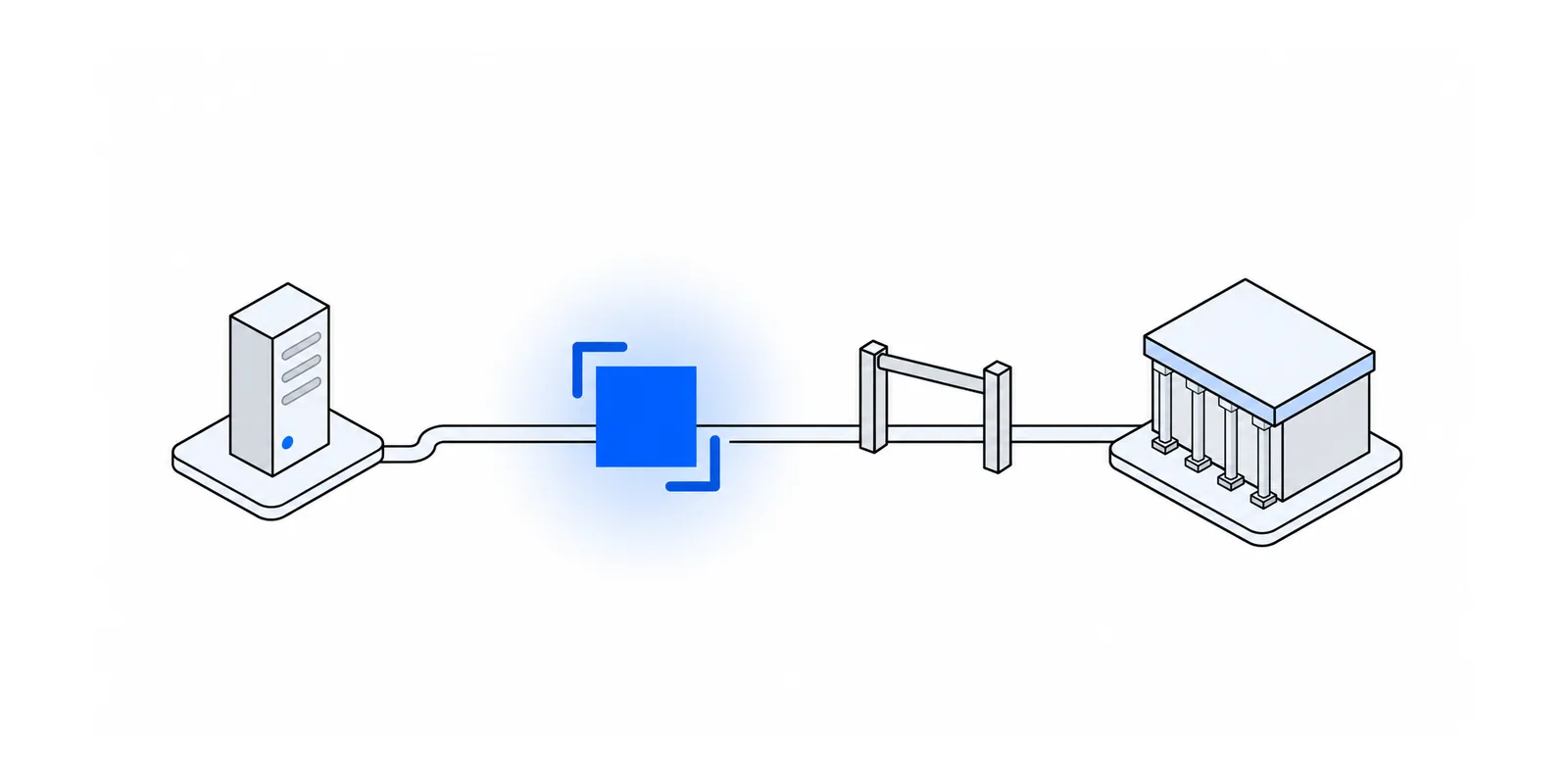
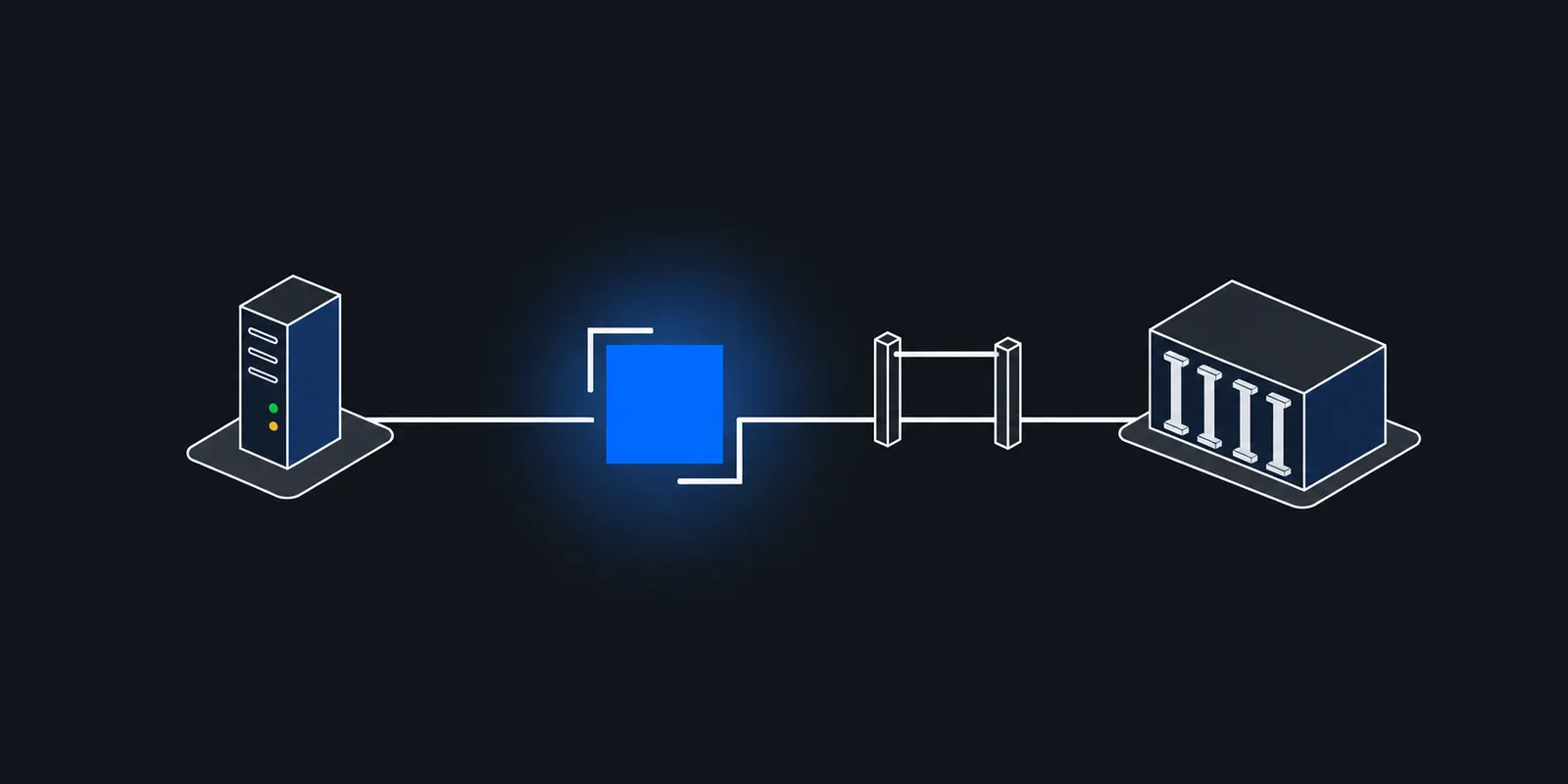
Source IP allowlisting on the inbound side means your firewall, proxy, or code accepts requests on the webhook URL only from the addresses the provider says it sends from. Everything else gets a 403 or a dropped connection before your handler parses a byte.
That buys you three things. Scanners and random POSTs never reach the handler. A bug in your JSON parsing or signature code is exposed to far fewer senders. And you can show an auditor a network control on the one endpoint that changes order and payment state.
It does not prove that a request belongs to your merchant account, and it does not stop replays. The signature check does those jobs. The rest of this post covers the published lists, where to enforce them, how to combine them with signatures, and how to keep them current.
Published webhook IPs by provider
Each provider publishes its list in a different place and format, and only some give notice before changing it. This table reflects each provider's docs as checked in November 2026.
| Provider | What it publishes | Machine-readable | Change notice |
|---|---|---|---|
| Stripe | 15 IPv4 addresses for webhook notifications | Yes, ips_webhooks.json and ips_webhooks.txt | Seven days' notice on the API announce mailing list |
| Razorpay | 9 single IPs plus 18.96.225.0/26 and 18.99.161.0/26, and a separate list of UAT egress IPs | No, a docs page | None documented |
| Cashfree | 4 production IPs and 2 sandbox IPs, on port 443 | No, a docs page | Says the ranges may change periodically |
| Adyen | No IP list. Allow the domain out.adyen.com | DNS only | Resolve it every hour if you must use IPs |
Stripe's domains and IP addresses page lists the webhook IPs under Webhook notifications and offers them as JSON and plain text for import into iptables or similar tools. Stripe says it gives seven days' notice of IP changes through its API announce mailing list. Stripe's own webhook best practices tell you to use both IP allowlisting and signature verification.
Razorpay's IPs and certificates page lists the webhook egress IPs, including two /26 ranges whose 64 addresses each are all used for sending webhooks. It also lists separate UAT egress IPs. The same page says Razorpay highly recommends validating the webhook signature even if you have whitelisted its webhook IPs. Do not confuse this list with the API ingress IPs on the same page, which are where your calls to Razorpay land.
Cashfree's webhook security checklist lists production and sandbox IPs to whitelist on port 443 and says to block all other inbound traffic to the endpoint. Its reliability page calls whitelisting optional and needed only if your network policy enforces it. Cashfree's payout API whitelist is a different list, for calls you make, covered in Cashfree Payouts IP whitelisting.
Adyen does not publish IPs at all. It says the addresses change over time, recommends a domain allowlist with out.adyen.com, and warns that resolving and hard-coding the IPs can still break between lookups. Many payment providers work like this, so check each one before you assume a list exists.
Why signature verification still matters
A provider's webhook IPs send events for every merchant on that platform. Anyone who opens their own account with the same provider can point a webhook at your URL and trigger events. Those deliveries come from the provider's senders, so they pass an allowlist built from its published list. The IP check tells you the request came from the provider. It cannot tell you which account it came from.
The signature can. Each endpoint has a secret that only you and the provider hold, and the provider signs every delivery with it. A request signed with someone else's secret fails. So the order in your handler is fixed. Check the IP first because it is cheap, then verify the signature, then deduplicate, then act.
| Provider | Header | What is signed | Replay guard |
|---|---|---|---|
| Razorpay | X-Razorpay-Signature | HMAC-SHA256 of the raw body with your webhook secret, as a hex digest | No timestamp. Deduplicate on x-razorpay-event-id |
| Stripe | Stripe-Signature, as t=...,v1=... | HMAC-SHA256 over the timestamp and the raw body | stripe-node rejects timestamps older than 300 seconds by default |
| Cashfree | x-webhook-signature and x-webhook-timestamp | Base64 HMAC-SHA256 of the timestamp and raw body with your secret key | Reject timestamps more than five minutes old |
Sources for that table are Razorpay's validate webhooks page, Stripe's set up events guide, the DEFAULT_TOLERANCE constant in stripe-node's webhook code, and Cashfree's signature verification page, with the five-minute window from its reliability page. Cashfree's code samples join the timestamp and raw body with no separator, so test your join against a real delivery. Adyen strongly recommends HMAC signatures too. It also supports basic auth, which it says only guarantees that Adyen sent the event, not that the payload is unmodified.
Every provider stresses the raw body. If a framework parses the JSON and you re-serialise it, key order or whitespace can change and the HMAC no longer matches. Read the bytes first, verify, then parse. Compare digests with a constant-time function such as crypto.timingSafeEqual or hmac.compare_digest.
Secret rotation also interacts with retries. Razorpay says to keep validating retries of older events with the old secret. Stripe lets you delay expiry of the old secret by up to 24 hours, and signs with both secrets meanwhile. Plan the rotation so a retry from yesterday still verifies.
Where to enforce the allowlist
Scope the rule to the webhook path. Your checkout pages and API share port 443 with the webhook, so a security group rule that admits only Razorpay's IPs on 443 would take the whole site down. A security group or host firewall works only when the webhook has its own host, port, or load balancer.
nginx
The nginx access module checks allow and deny rules in sequence until the first match. Put them in an exact-match location for the webhook path.
# Webhook path only. The rest of the site stays public.
location = /webhooks/razorpay {
    # Razorpay webhook IPs (razorpay.com/docs/security/whitelists)
    allow 52.66.75.174;
    allow 52.66.76.63;
    allow 52.66.151.218;
    allow 35.154.217.40;
    allow 35.154.22.73;
    allow 35.154.143.15;
    allow 13.126.199.247;
    allow 13.126.238.192;
    allow 13.232.194.134;
    allow 18.96.225.0/26;
    allow 18.99.161.0/26;
    deny  all;

    proxy_pass http://127.0.0.1:8080;
}
Behind a load balancer, find the real source first
If nginx or your app sits behind a load balancer or CDN, the TCP peer is that load balancer, not Razorpay. The rule above would then deny everything, or allow everything if the balancer's range is on the list. The real client address arrives in X-Forwarded-For, which any client can also set. Trust that header only on connections from your own proxies. The nginx realip module does this with set_real_ip_from.
# nginx sits behind a load balancer in 10.0.0.0/16.
# Take the client address from X-Forwarded-For, but only when the
# connection comes from that load balancer.
set_real_ip_from  10.0.0.0/16;
real_ip_header    X-Forwarded-For;
real_ip_recursive on;
On Vercel, the request headers docs say x-forwarded-for holds the client's public IP and that Vercel overwrites it to prevent spoofing. x-real-ip holds the same value. On other platforms, read their docs on which header they set and whether they strip a client's copy.
Cloudflare and AWS WAF
If traffic goes through Cloudflare, a WAF custom rule with action Block can drop webhook requests from anywhere else. ip.src is the client address as Cloudflare sees it, and the rules language takes a literal set in braces. For a long list, a custom IP list referenced as $list_name is easier to update. Lock your origin so it accepts traffic only through Cloudflare, or a sender can skip the rule by calling the origin directly.
(http.request.uri.path eq "/webhooks/stripe")
and not ip.src in {
  3.18.12.63 3.69.109.8 3.120.168.93 3.130.192.231
  13.235.14.237 13.235.122.149 18.211.135.69 35.154.171.200
  35.157.207.129 52.15.183.38 54.88.130.119 54.88.130.237
  54.187.174.169 54.187.205.235 54.187.216.72
}
On AWS, put the addresses in a WAF IP set and reference it from a rule scoped to the webhook path on your ALB, API Gateway, or CloudFront web ACL. WAF IP sets take CIDR notation, so a single address is written /32. If Cloudflare or another CDN sits in front of AWS, the connection AWS WAF sees comes from the CDN, so enforce the list at the outermost layer.
Checking the source IP and signature in code
When you cannot touch the firewall, as on many PaaS and serverless platforms, check in the handler. These two handlers do the same thing for Razorpay. They admit only the published sources, verify the signature over the raw body, skip duplicates, and answer 200 fast. Node's built-in net.BlockList and Python's ipaddress module handle the CIDR matching without extra packages.
import crypto from "node:crypto";
import { BlockList, isIPv4 } from "node:net";
import express, { type Request } from "express";

// Razorpay's webhook source IPs, copied from
// https://razorpay.com/docs/security/whitelists/ (checked November 2026).
const RAZORPAY_WEBHOOK_SOURCES = [
	"52.66.75.174",
	"52.66.76.63",
	"52.66.151.218",
	"35.154.217.40",
	"35.154.22.73",
	"35.154.143.15",
	"13.126.199.247",
	"13.126.238.192",
	"13.232.194.134",
	"18.96.225.0/26",
	"18.99.161.0/26",
];

const secret = process.env.RAZORPAY_WEBHOOK_SECRET ?? "";
if (!secret) throw new Error("RAZORPAY_WEBHOOK_SECRET is not set");

const allowed = new BlockList();
for (const entry of RAZORPAY_WEBHOOK_SOURCES) {
	const [addr, prefix] = entry.split("/");
	if (prefix) allowed.addSubnet(addr, Number(prefix));
	else allowed.addAddress(addr);
}

function sourceIp(req: Request): string {
	const ip = req.ip ?? "";
	// A dual-stack socket reports IPv4 peers as ::ffff:a.b.c.d.
	return ip.startsWith("::ffff:") ? ip.slice(7) : ip;
}

const seen = new Set<string>(); // use a unique key in your database instead

const app = express();
// One load balancer in front: trust exactly one X-Forwarded-For hop.
app.set("trust proxy", 1);

app.post(
	"/webhooks/razorpay",
	express.raw({ type: "application/json" }),
	(req, res) => {
		const ip = sourceIp(req);
		if (!isIPv4(ip) || !allowed.check(ip)) {
			console.warn("webhook rejected: source not allowlisted", { ip });
			res.sendStatus(403);
			return;
		}
		if (!Buffer.isBuffer(req.body)) {
			res.sendStatus(400);
			return;
		}
		const expected = crypto
			.createHmac("sha256", secret)
			.update(req.body)
			.digest("hex");
		const got = Buffer.from(req.get("x-razorpay-signature") ?? "");
		const want = Buffer.from(expected);
		if (got.length !== want.length || !crypto.timingSafeEqual(got, want)) {
			console.warn("webhook rejected: bad signature", { ip });
			res.sendStatus(400);
			return;
		}
		const eventId = req.get("x-razorpay-event-id");
		if (eventId && seen.has(eventId)) {
			res.sendStatus(200);
			return;
		}
		if (eventId) seen.add(eventId);
		// Queue JSON.parse(req.body.toString("utf8")) for a worker, then answer fast.
		res.sendStatus(200);
	},
);

app.listen(8080);
import hashlib
import hmac
import ipaddress
import logging
import os
from flask import Flask, abort, request
from werkzeug.middleware.proxy_fix import ProxyFix
# Razorpay's webhook source IPs, copied from
# https://razorpay.com/docs/security/whitelists/ (checked November 2026).
RAZORPAY_WEBHOOK_SOURCES = [
ipaddress.ip_network(n)
for n in (
"52.66.75.174", "52.66.76.63", "52.66.151.218",
"35.154.217.40", "35.154.22.73", "35.154.143.15",
"13.126.199.247", "13.126.238.192", "13.232.194.134",
"18.96.225.0/26", "18.99.161.0/26",
)
]
SECRET = os.environ["RAZORPAY_WEBHOOK_SECRET"].encode()
app = Flask(__name__)
# One load balancer in front: trust exactly one X-Forwarded-For hop.
app.wsgi_app = ProxyFix(app.wsgi_app, x_for=1)
log = logging.getLogger("webhooks")
def allowlisted(addr: str | None) -> bool:
try:
ip = ipaddress.ip_address(addr or "")
except ValueError:
return False
if ip.version == 6 and ip.ipv4_mapped:
ip = ip.ipv4_mapped
return any(ip in net for net in RAZORPAY_WEBHOOK_SOURCES)
@app.post("/webhooks/razorpay")
def razorpay_webhook():
if not allowlisted(request.remote_addr):
log.warning("webhook rejected: source %s not allowlisted", request.remote_addr)
abort(403)
body = request.get_data() # raw bytes, before any JSON parsing
expected = hmac.new(SECRET, body, hashlib.sha256).hexdigest()
received = request.headers.get("X-Razorpay-Signature", "")
if not hmac.compare_digest(expected, received):
log.warning("webhook rejected: bad signature from %s", request.remote_addr)
abort(400)
# Dedupe on X-Razorpay-Event-Id, queue the event, then answer fast.
return "", 200trust proxyset to1in Express, andProxyFix(x_for=1)in Flask, trust exactly one hop ofX-Forwarded-For. Match the number to your real proxy chain. With no proxy in front, remove both, or any client can claim to be Razorpay.- A dual-stack listener reports IPv4 peers as
::ffff:52.66.75.174. Both handlers unwrap that form before matching. - A rejected IP returns
403and a bad signature returns400, and each is logged with the source address. Those logs are how you spot a provider adding a new IP. - The in-memory
Setis only for the example. Store event IDs under a unique constraint in your database so two instances cannot both process the same event.
Keeping the list current
A stale allowlist fails quietly. The provider's new IP gets a 403, the provider records a failed delivery and retries, and orders sit unpaid in your system while customers have paid. How long you have depends on the provider. Stripe retries undelivered events for up to three days. Cashfree's reliability page says a Payouts V2 or Cashgram endpoint that fails more than five consecutive times is disabled automatically until you re-enable it in the dashboard.
- 1Subscribe to change noticesJoin Stripe's API announce list. For providers with no notice channel, put a monthly reminder on someone's calendar to diff the docs page against your config.
- 2Automate where a file existsStripe's JSON file can be fetched and applied by a scheduled job, like the script below. Add a sanity check so an empty or truncated download never replaces a good list.
- 3Keep one source of truthHold each provider's list in one file in your repo and generate the nginx, WAF, and app config from it. Lists copied by hand into three places drift apart.
- 4Alert on denied webhook requestsLog every
403on webhook paths with its source IP. A burst of denials from one new address, alongside failed deliveries in the provider dashboard, usually means the provider added a sender. - 5Reconcile after an outageOnce fixed, replay what you missed. Stripe's List Events API takes
delivery_success=falseto return events that failed delivery. For other providers, fetch the current state of affected payments from their API.
#!/usr/bin/env bash
# Sync Stripe's published webhook IPs into an AWS WAF IP set.
# Run it daily from cron or a scheduled CI job.
set -euo pipefail

NAME=stripe-webhooks
SCOPE=REGIONAL
ID="${WAF_IP_SET_ID:?set WAF_IP_SET_ID}"
work=$(mktemp -d)
trap 'rm -rf "$work"' EXIT

curl -fsS --max-time 20 https://stripe.com/files/ips/ips_webhooks.json \
  | jq -r '.WEBHOOKS[] | select(test("^[0-9.]+$")) | . + "/32"' \
  | sort -u > "$work/new"

# Refuse an empty or truncated download instead of locking Stripe out.
if [ "$(wc -l < "$work/new")" -lt 5 ]; then
  echo "Stripe list has fewer than 5 entries, not applying" >&2
  exit 1
fi

aws wafv2 get-ip-set --name "$NAME" --scope "$SCOPE" --id "$ID" > "$work/current.json"
jq -r '.IPSet.Addresses[]' "$work/current.json" | sort -u > "$work/old"

if diff -u "$work/old" "$work/new"; then
  echo "No change"
  exit 0
fi

mapfile -t addrs < "$work/new"
aws wafv2 update-ip-set --name "$NAME" --scope "$SCOPE" --id "$ID" \
  --addresses "${addrs[@]}" \
  --lock-token "$(jq -r '.LockToken' "$work/current.json")"
echo "Updated $NAME to ${#addrs[@]} addresses"
The script uses update-ip-set, which per the AWS CLI reference replaces the whole address list and needs the lock token from a fresh get-ip-set. If someone else changed the set in between, the call fails with WAFOptimisticLockException and the next run retries. AWS also notes that changes take from seconds to minutes to reach every location, so apply additions before you remove anything a provider is retiring.
Receiving webhooks on a private service with Fixedmark
Sometimes the webhook handler runs on a machine with no public IP, such as an office server, a private VPC, or a box behind CGNAT on a Jio or Airtel line. Webhook receivers on private networks covers the general patterns. Fixedmark's tunnels are one of them, and they enforce a source allowlist before traffic reaches you.
You run fixedmarkd next to your service. It dials out to Fixedmark on port 443, so your machine opens no inbound port. You create an http route, which gives the service a public hostname that you register as the webhook URL. fixedmarkd terminates TLS on your machine with a certificate it orders itself. Every route except access admits only the partner addresses you list, and the Fixedmark node checks that list before anything reaches your machine.
fm connectors create --app shop --name office
sudo fixedmarkd install --token-file fm-connector-office.token

fm routes create --app shop --kind http --name razorpay-hooks \
  --connector office --to 127.0.0.1:8080 \
  --partner 52.66.75.174 --partner 52.66.76.63 --partner 52.66.151.218 \
  --partner 35.154.217.40 --partner 35.154.22.73 --partner 35.154.143.15 \
  --partner 13.126.199.247 --partner 13.126.238.192 --partner 13.232.194.134 \
  --partner 18.96.225.0/26 --partner 18.99.161.0/26
A route takes 1 to 256 partner entries, IPv4 only, which fits Razorpay's, Stripe's, and Cashfree's lists. Give each provider its own route so each hostname admits only that provider. When a provider changes its list, fm routes partners set replaces the whole partner list in one call, so the same sync job can drive it. See Partners.
Your handler still verifies signatures. fixedmarkd drops the forwarding headers a sender supplies and sets X-Forwarded-For to the partner's address, so the code above works with one trusted hop on loopback. Bind your service to 127.0.0.1 so nothing else on your network can reach it with a forged header.
Sources
Checked November 2026. Confirm current details on the vendor's site before you decide. Prices and limits change.
- Stripe: Domains and IP addresses
- Stripe: Webhook IPs as JSON
- Stripe: Manage webhook endpoints
- Stripe: Set up events
- stripe-node: Webhooks.ts
- Razorpay: IPs and certificates
- Razorpay: Validate and test webhooks
- Razorpay: Webhooks
- Cashfree: Webhook security checklist
- Cashfree: Webhook reliability and operations
- Cashfree: Webhook signature verification
- Adyen: Secure webhooks
- nginx: ngx_http_access_module
- nginx: ngx_http_realip_module
- Vercel: Request headers
- Cloudflare: Rules language operators
- AWS CLI: wafv2 update-ip-set