On this page
Which Razorpay APIs check the caller's IP
RazorpayX is Razorpay's business banking and payouts product. Its payout APIs move money out of your account, so Razorpay adds a network check on top of your API key. Per the RazorpayX allowlist docs, it is mandatory to allowlist the IPs you use for all payout related API requests. If a request comes from an IP outside the list, it fails.
The check covers more than the payout call itself. Creating the contact and the fund account comes first in the normal payout flow, and those calls are covered too. Plan for every RazorpayX API call to leave from a whitelisted address.
| API or flow | IP whitelist | Notes |
|---|---|---|
| Payouts API (including Composite Payout) | Mandatory in live mode | Also needs the X-Payout-Idempotency header |
| Contacts and Fund Accounts | Mandatory in live mode | |
| Payout Links API | Mandatory in live mode | |
| Fund Account Validation (penny drop) | Mandatory in live mode | |
| Vendor payments, Payroll, Dashboard payouts | Not applied | These run inside Razorpay's own product |
| Payment gateway (PG) APIs | Not by default | Available on request through Razorpay support |
One detail catches teams that use both products. Razorpay's payouts best practices say the API keys are the same for the payment gateway and RazorpayX, and regenerating them affects both. The keys are shared, but the IP check is not. Your checkout code can keep calling PG APIs from anywhere while your payout code must use a fixed address.
Razorpay also requires all payout calls to be server to server. Calls from an Android app or a browser front end fail. That rules out sending payouts from the client even before the IP check applies.
Live mode only, and why that bites at launch
IP allowlisting applies only in live mode. Test mode has no IP check. That is convenient while you build, and it is also why so many integrations break on launch day. Everything passes in test mode from your laptop, CI, and preview deployments. Then the first live payout leaves from an address nobody whitelisted.
Live keys differ from test keys too. Per the RazorpayX API keys page, keys generated in live mode do not work in test mode, and the reverse. Generating live keys needs an OTP, and live payouts need a KYC-activated account. Your RazorpayX account_number is also different in each mode.
So test the network path separately from the API logic. Before you switch keys, find the egress IP of the exact runtime that will send payouts, add it to the list, and only then send a small live payout. The steps below show how.
Adding IPs in the RazorpayX dashboard
- 1Sign in as an Owner or AdminOnly the Owner or an Admin of the RazorpayX account can change the allowlist. A developer role cannot, so book time with whoever holds that role.
- 2Open Developer ControlsIn the RazorpayX Dashboard, click the profile icon, choose My Account & Settings, then Developer Controls, then Share IP Addresses.
- 3Enter each IPType an IP and press Enter, then the next one. The list holds up to 20 IPs. Click Save.
- 4Confirm with the OTPRazorpay sends an OTP to the registered phone number and email ID. Enter it and click Submit. The list then shows your allowlisted IPs, and you edit it from the same section later.
Some things are not in the docs. Razorpay does not say whether the field accepts CIDR ranges or IPv6 addresses, or how quickly a change takes effect. Plan on single IPv4 addresses and test after each change. If your runtime prefers IPv6 for outbound traffic, an IPv4 entry will not match it; see IPv6 egress and IPv4-only allowlists.
If Share IP Addresses is missing from your dashboard, Razorpay asks you to contact RazorpayX support. The same page says to contact support if you use dynamic IPs for API payouts. It does not say what support can offer, so do not build a launch plan around that answer.
What a blocked request looks like
Razorpay's RazorpayX API error reference lists the description Transactions from this IP are not allowed. Contact support for help. and explains that it occurs when the API call is sent from an IP that is not allowlisted. The error body uses the standard Razorpay error object, with code, description, source, reason, step, and metadata fields. Match on the description and log it clearly, because a generic failed payout hides the cause.
The payment gateway has its own error for the same idea. Razorpay's common errors page lists Access Denied with the cause "Whitelisted IPs on your account". If you see that on a PG call, someone asked support to allowlist PG traffic, and your caller is outside the list.
When you hit the IP error, find out which IP Razorpay saw. Run the check from the same place the payout runs, through the same proxy settings. A check from your laptop proves nothing about a Lambda function.
# Without a proxy: the IP your server or container uses today
curl -s https://checkip.amazonaws.com

# Through the proxy your payout client uses
curl -s --proxy "$PAYOUTS_PROXY_URL" https://checkip.amazonaws.com- The IP is not in the list. Add it, or fix the routing so payouts leave from an address that is.
- The IP is in the list but calls still fail. Check that the payout client actually uses the proxy. A common bug is a proxy set on one HTTP client while the payout code uses another.
- Only some calls fail. Your egress spans more than one IP, such as a pair of NAT gateways or a proxy with two addresses, and only one is whitelisted.
- Everything worked in test mode. Expected, since test mode skips the check. Whitelist before you switch to live keys.
Why Vercel, Lambda, and other serverless IPs fail the check
A whitelist needs an address that stays the same. Serverless platforms do not give you one by default. Each invocation can run on a different instance, and those instances share large, changing pools of cloud addresses. You can whitelist the IP you observed today, and the next cold start can leave from another. The longer story is in why serverless egress IPs change.
Twenty slots cannot hold a cloud provider's ranges, and you would not want them to. Whitelisting a shared pool admits every other tenant on it, which defeats the point of the check. See cloud IP ranges are not an allowlist.
| Platform | Default egress | Native fixed-IP option |
|---|---|---|
| Vercel Functions | Dynamic. Vercel publishes no fixed range. | Static IPs on Pro and Enterprise, $100 per project per month plus Private Data Transfer. Two IPs per region, from a pool shared by a small group of customers. |
| AWS Lambda | A Lambda-managed VPC with AWS addresses. | Attach the function to private subnets and route through a NAT gateway with an Elastic IP. AWS recommends one NAT gateway per AZ, so expect one IP per AZ. |
| Railway | Shared. | Static outbound IPs on Pro. Services get three IPv4 addresses. Railway says they are not guaranteed to be dedicated, and moving region changes them. |
| Render | Ranges shared by all services in a region. | Dedicated outbound IPs for a workspace. |
Two things matter when you compare these. The first is whether the address is yours alone. The RazorpayX check exists to stop a leaked key from being used elsewhere. If other customers share your egress IP, that protection is weaker, even though they would still need your key secret. The second is cost. A NAT gateway bills by the hour per AZ and per GB processed, plus the public IPv4 charge. Work it out with the NAT gateway cost calculator before you build a VPC for one API.
Edge runtimes are a separate case. Vercel Routing Middleware does not use Vercel Static IPs, and edge fetch cannot use a normal proxy. Put payout calls in a Node.js function, not at the edge. Edge runtimes and outbound proxies covers why.
Route only RazorpayX calls through a fixed IP
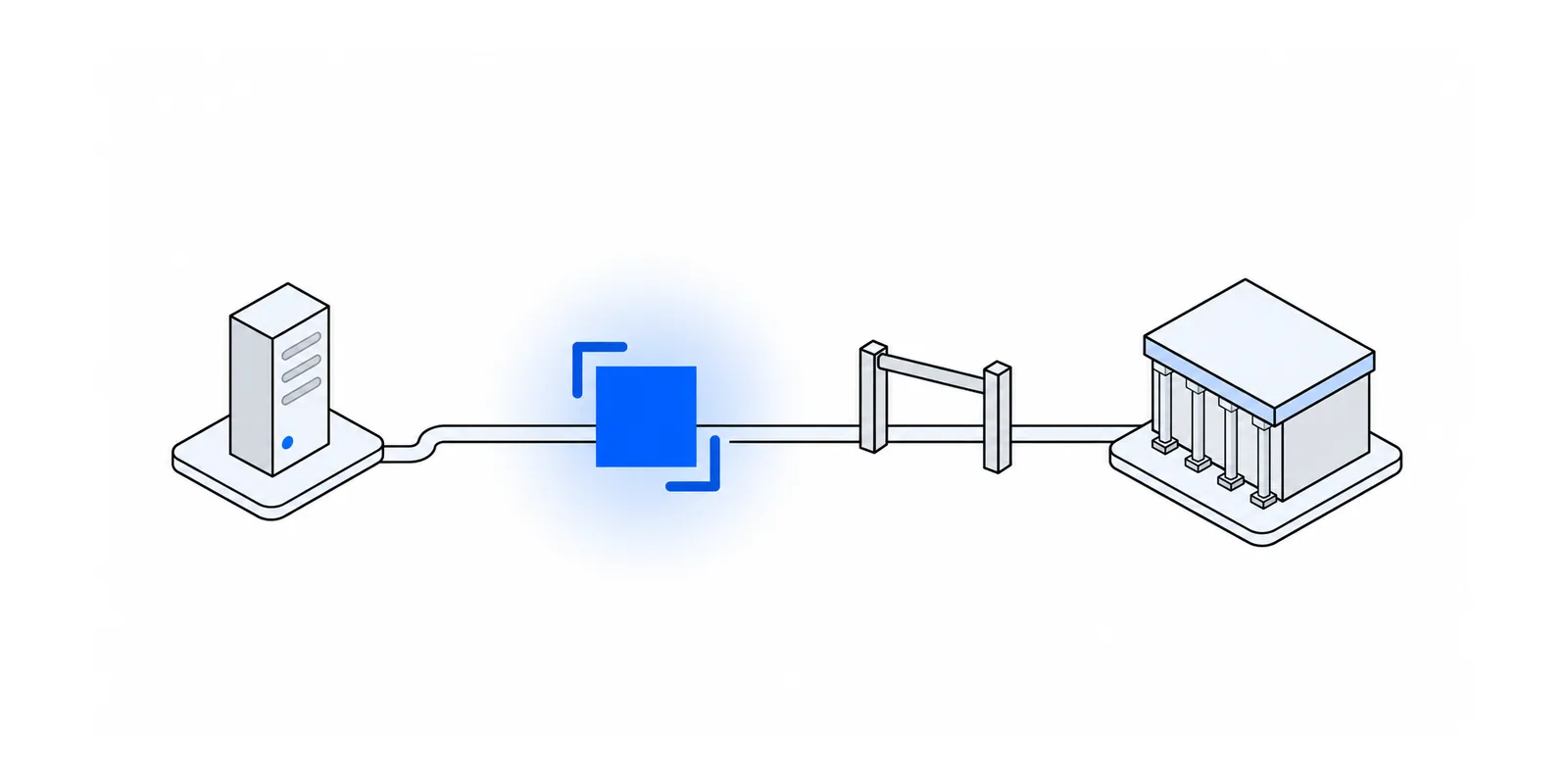
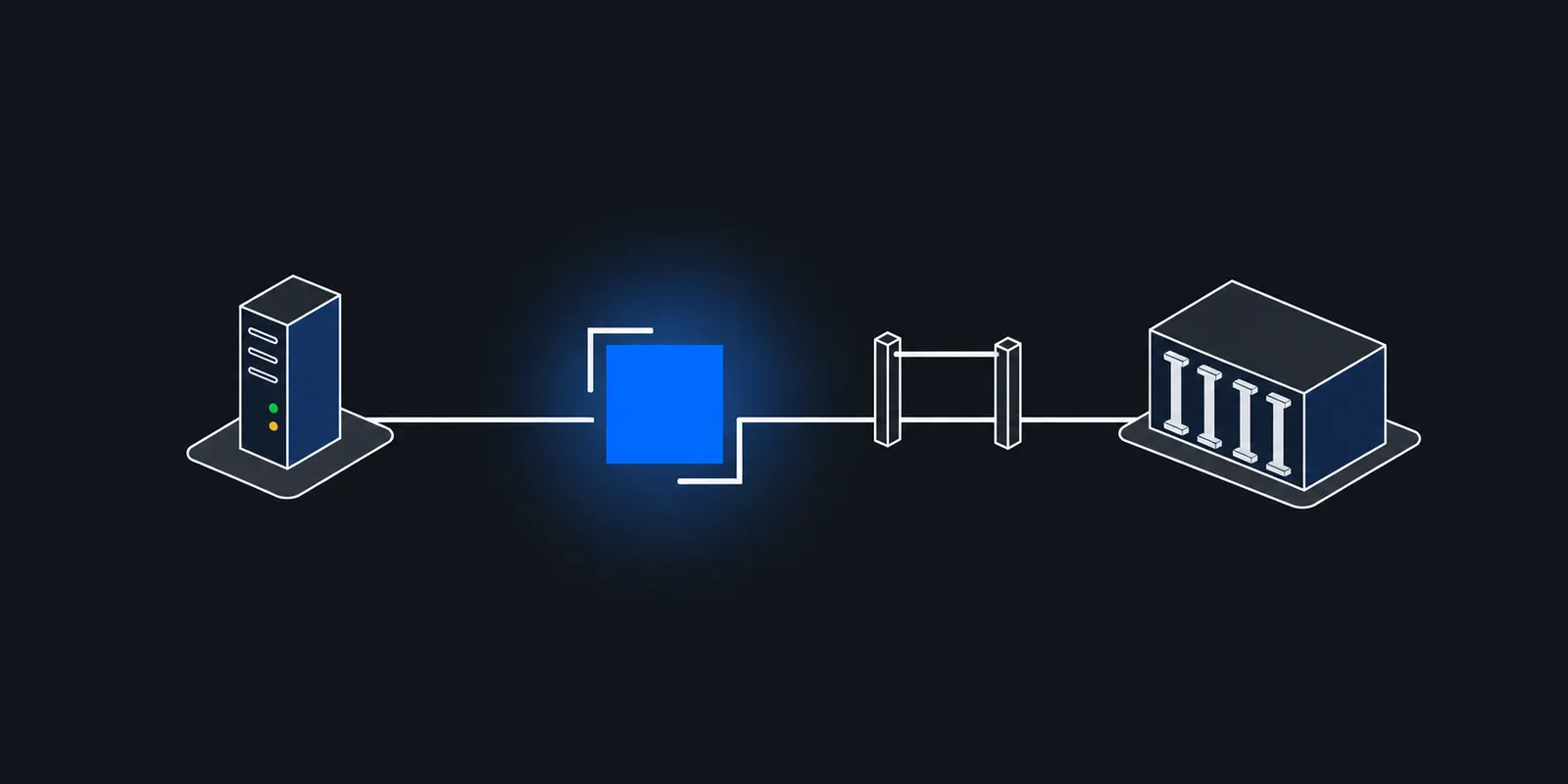
The portable fix is an HTTP CONNECT proxy with a static IP, used only by the client that calls RazorpayX. Checkout, webhook handling, and every other outbound call stay direct. HTTPS passes through the proxy as an encrypted tunnel, so the proxy sees the host name and byte counts, not the payout body or the key in your Authorization header.
Razorpay's official Node.js and Python SDKs have no Payouts resource, so most teams call the RazorpayX REST API directly. That makes per-client proxying simple. Avoid a global HTTPS_PROXY for this. It sends every outbound call through the proxy and behaves differently in each runtime; see selective proxying with NO_PROXY and per-client agents.
// npm install undici  (undici 8 needs Node.js 22.19+)
import { fetch, ProxyAgent } from "undici";

// Only RazorpayX calls use this agent. Create it once per instance.
const payoutsProxy = new ProxyAgent(process.env.PAYOUTS_PROXY_URL);
const basic = Buffer.from(
  `${process.env.RAZORPAY_KEY_ID}:${process.env.RAZORPAY_KEY_SECRET}`,
).toString("base64");

// Store idempotencyKey with your payout record so a retry reuses it.
export async function createPayout({ fundAccountId, amountPaise, referenceId, idempotencyKey }) {
  const res = await fetch("https://api.razorpay.com/v1/payouts", {
    method: "POST",
    dispatcher: payoutsProxy,
    headers: {
      authorization: `Basic ${basic}`,
      "content-type": "application/json",
      "x-payout-idempotency": idempotencyKey,
    },
    body: JSON.stringify({
      account_number: process.env.RAZORPAYX_ACCOUNT_NUMBER,
      fund_account_id: fundAccountId,
      amount: amountPaise,
      currency: "INR",
      mode: "IMPS",
      purpose: "payout",
      queue_if_low_balance: true,
      reference_id: referenceId,
    }),
  });
  const body = await res.json();
  if (!res.ok) {
    const description = body?.error?.description ?? "";
    if (description.startsWith("Transactions from this IP are not allowed")) {
      throw new Error("RazorpayX rejected our source IP. Check the allowlist and the proxy.");
    }
    throw new Error(`RazorpayX ${res.status}: ${description}`);
  }
  return body;
}
# pip install requests (urllib3 1.26+ for an https:// proxy URL)
import os
import requests
PROXIES = {"https": os.environ["PAYOUTS_PROXY_URL"]}
AUTH = (os.environ["RAZORPAY_KEY_ID"], os.environ["RAZORPAY_KEY_SECRET"])
def create_payout(fund_account_id, amount_paise, reference_id, idempotency_key):
# Pass proxies per request: requests lets HTTPS_PROXY in the
# environment override Session.proxies.
res = requests.post(
"https://api.razorpay.com/v1/payouts",
auth=AUTH,
proxies=PROXIES,
headers={"X-Payout-Idempotency": idempotency_key},
json={
"account_number": os.environ["RAZORPAYX_ACCOUNT_NUMBER"],
"fund_account_id": fund_account_id,
"amount": amount_paise,
"currency": "INR",
"mode": "IMPS",
"purpose": "payout",
"queue_if_low_balance": True,
"reference_id": reference_id,
},
timeout=30,
)
if not res.ok:
description = res.json().get("error", {}).get("description", "")
raise RuntimeError(f"RazorpayX {res.status_code}: {description}")
return res.json()Amounts are in paise, so 100000 is ₹1,000. Razorpay has made the X-Payout-Idempotency header mandatory for payout requests since March 15, 2025. The key is 4 to 36 characters, and a retry must send the same key and the same body. That matters on a proxied path. If a connection drops mid-request, you do not know whether Razorpay received it. Retry with the same key and Razorpay recognises the repeat instead of sending the money twice.
Idempotency covers only the Create Payout and Composite APIs. A retried create on Contacts or Fund Accounts has no such guard. Save the IDs those calls return, and check your own records before you retry one.
In a Next.js app, the agent belongs in a route handler or server action on the Node.js runtime. Route only some fetches through a proxy in Next.js shows the pattern. For other languages, see the Node.js, Python, and Go guides.
Outbound firewalls and webhooks go the other way
The payout whitelist is Razorpay checking you. Two related setups run the other way, and teams often mix them up.
If your own firewall limits which destinations your servers may reach, you need Razorpay's addresses, not yours. Razorpay's IPs and certificates page says api.razorpay.com resolves to many load-balancer IPs. If your egress is restricted, route API calls to prod-api-static.razorpay.com instead, which resolves to a short published list. Razorpay asks you to honour its DNS TTLs rather than cache answers aggressively. The same page now says Razorpay no longer publishes new SSL certificate files and discourages pinning them.
Webhooks are Razorpay calling you. Your outbound IP plays no part. Razorpay publishes the source IPs of its webhooks and still recommends checking the webhook signature, even if you allowlist those IPs. The details are in payment webhook source IP allowlisting. If you also pay out through Cashfree, its rules differ, since it accepts a signature instead of a whitelisted IP; see Cashfree Payouts IP whitelisting.
Doing this with Fixedmark
Fixedmark is a static IP proxy built in India, and it is in early access. Each app gets a pair of static IPv4 addresses on two proxy nodes in one region. Each new connection leaves from one IP in the pair, so you whitelist both. That uses 2 of the 20 RazorpayX slots, and the pair stays the same when Fixedmark replaces a server. See IP pairs and high availability and static IP pairs and failover.
- 1Create an app on a dedicated pairPick the Mumbai region, whose endpoint is
mum.egress.fixedmark.com. Use a plan with a dedicated pair. The planned price is Pro at $29 a month. The trial and Starter run on a shared pair that other customers also use, so do not register those addresses with RazorpayX. - 2Store the proxy URLPut the proxy URL,
https://APP_ID:TOKEN@mum.egress.fixedmark.com:443with your app ID and token, in your platform's secrets asPAYOUTS_PROXY_URL(orFIXEDMARK_PROXY_URL, the name the Fixedmark docs use). Redeploy so functions pick it up. - 3Confirm the egress IPRun the curl check above from the deployed runtime a few times. You should see both IPs of your pair. Verify your egress IP has more ways to check.
- 4Whitelist both IPs in RazorpayXAdd both addresses under Developer Controls with the account Owner or an Admin, then send a small live payout.
- 5Lock the credential to RazorpayOn Business and up, add a destination allowlist rule for
api.razorpay.comon port 443, so a leaked proxy token cannot reach anything else.
The TLS endpoint on port 443 keeps proxy credentials encrypted, and the payout request inside stays end-to-end TLS to Razorpay. The plain endpoints on 8080 and 1080 send the token in cleartext, so use 443. Fixedmark never decrypts it. Connection logs show the destination, SNI, bytes, egress IP, and result of each connection, which is usually enough to tell a routing bug from a whitelist gap. One pair can serve several Vercel projects, a Lambda function, and a worker on Railway at once. The payment gateway use case covers Cashfree and Stripe alongside Razorpay, and planned pricing lists every plan.
Sources
Checked November 2026. Confirm current details on the vendor's site before you decide. Prices and limits change.
- RazorpayX: Allowlist IPs
- RazorpayX: API errors
- Razorpay: Common errors (Access Denied)
- RazorpayX: Payouts best practices
- RazorpayX: API keys
- RazorpayX: Make a request idempotent
- RazorpayX: Create a payout to a bank account
- Razorpay: IPs and certificates
- Vercel: Static IPs
- AWS Lambda: Internet access for VPC-connected functions
- Railway: Static outbound IPs
- Render: Outbound IP addresses