On this page
Why serverless apps end up on 0.0.0.0/0
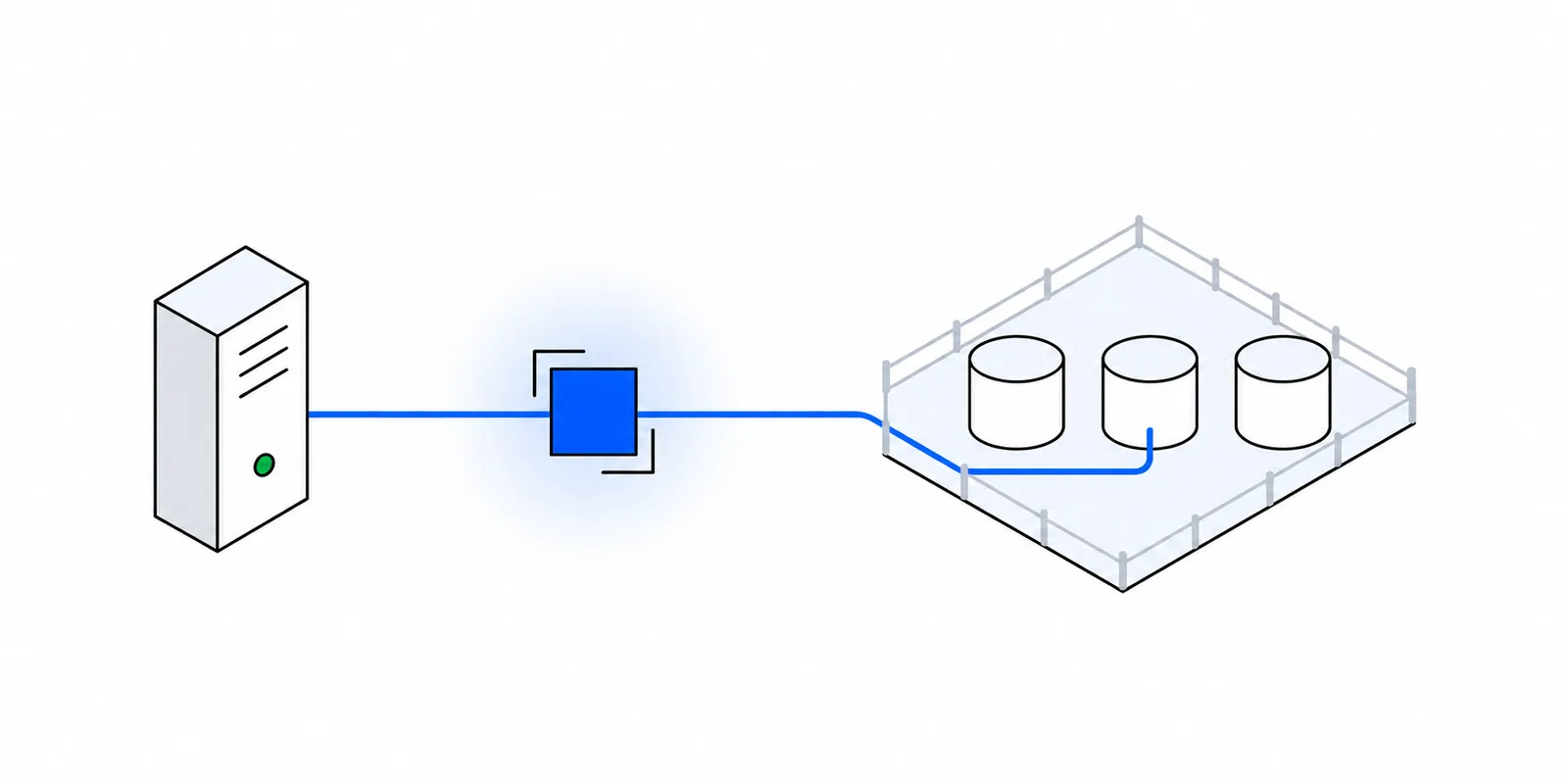
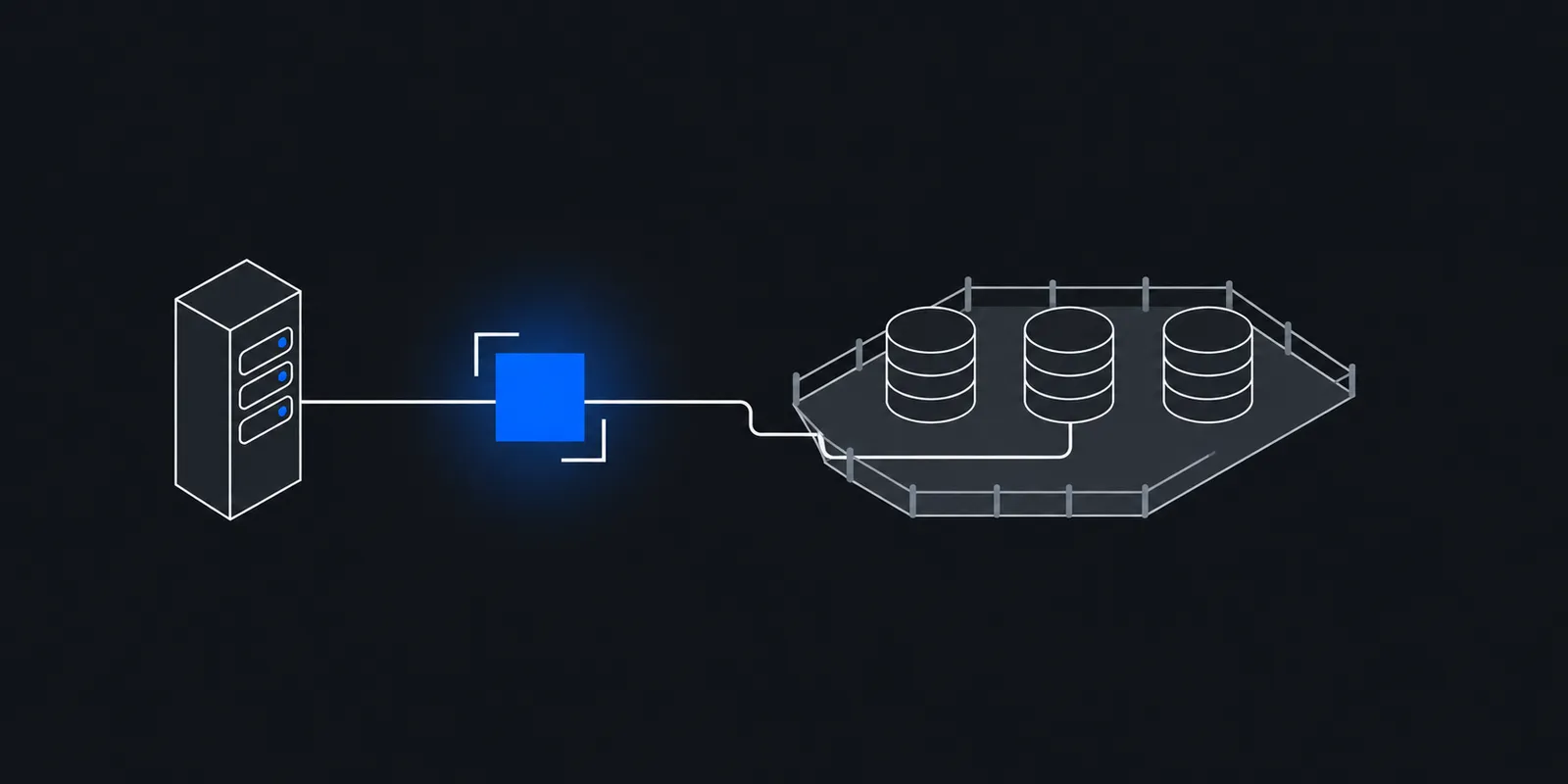
Atlas only accepts client connections from addresses on the project's IP access list. Each entry is one IP or a CIDR range, and a project holds up to 200 entries. That model assumes your app has an address you can name.
Serverless functions do not. Vercel, Netlify, AWS Lambda, Cloud Run, and most PaaS platforms send outbound traffic from shared pools that change between deploys, regions, and cold starts. Vercel says it plainly in its Static IPs docs: without that add-on, deployments use dynamic IP addresses and Vercel publishes no fixed range to allowlist. The post on why serverless egress IPs change covers each platform.
So the app fails to connect, someone searches the error, and the top answer says to add 0.0.0.0/0. MongoDB's own Vercel integration does the same thing on purpose. Its docs say the cluster must allow all IP addresses, and if the entry is missing, Atlas adds it for you as part of the integration workflow.
Atlas does warn you. Per the same integration docs, adding any IPv4 /0 CIDR sends an alert email to every user with a role on the project. Many teams read that email once, decide it is expected, and never revisit the entry.
What an open access list exposes
An open list does not mean anyone can read your data. Atlas still requires a database user on every connection, and connections run over TLS. What changes is who can try, and how many layers stand between a mistake and a breach.
| Risk | With 0.0.0.0/0 | With two /32 entries |
|---|---|---|
| Leaked connection string | Works from any laptop, VPS, or botnet node | Fails unless the attacker also sends traffic from your two IPs |
| Password guessing | Any host can attempt logins | Only listed addresses can open a connection |
| Pre-authentication server bugs | Reachable by every scanner on the internet | Reachable only from addresses you listed |
| Former staff or contractors with old credentials | Can connect until you rotate the user | Blocked even before you rotate |
Credentials leak more often than clusters get hacked
A mongodb+srv:// string with the password inside sits in environment variables, CI logs, local .env files, screenshots, and old commits. With an open list, any copy of it is a working key from anywhere. With a narrow list, the copy is useless on its own. That second factor is the main value of the access list.
Bugs that run before login
MongoBleed (CVE-2025-14847) is the recent example. Wiz describes it as a flaw in zlib message decompression, reachable before authentication, that returns uninitialized server memory to the client. Wiz reports exploitation in the wild, and CISA added it to its Known Exploited Vulnerabilities catalog on 29 December 2025. Wiz cites Censys counting about 87,000 potentially vulnerable instances worldwide.
Atlas customers had nothing to patch themselves. MongoDB's security update says its team identified the issue on 12 December 2025, finished patching most of the Atlas fleet on 17 December, and patched the rest, including clusters with maintenance windows, on 18 December. There was still a window of days. During that window, a cluster at 0.0.0.0/0 accepted connections from anyone running a scanner. A cluster with two /32 entries did not.
Check what your project allows today
In the Atlas UI, open Network Access for the project. From a terminal, the Atlas CLI lists every entry. The access list applies to every cluster in the project, so one open entry opens them all.
# Every entry with its comment
atlas accessLists list --projectId "$ATLAS_PROJECT_ID" --output json \
  | jq -r '.results[] | [(.cidrBlock // .ipAddress // .awsSecurityGroup), .comment] | @tsv'

# Exit 0 if the project is open to the internet
atlas accessLists list --projectId "$ATLAS_PROJECT_ID" --output json \
  | jq -e '.results[] | select(.cidrBlock == "0.0.0.0/0")'
Look for more than 0.0.0.0/0. Broad ranges such as a /16 from a cloud provider, home IPs from people who left, and entries with no comment are the same problem in a smaller size. Allowlisting a whole cloud's published ranges admits every other tenant on that cloud, as the post on cloud IP ranges explains. Changes to entries show up in the project's Activity Feed, so you can see who added what.
What Atlas offers instead, by tier
Atlas has three ways to admit a client. Which ones you can use depends on the cluster tier and on where your code runs.
| Option | Tiers | Works from serverless platforms |
|---|---|---|
| IP access list (single IPs and CIDR ranges) | All, including Free and Flex | Only if the platform gives you a fixed egress IP |
| Temporary access list entry | All | Useful for CI and one-off jobs, up to 7 days |
| Network peering (AWS, Azure, Google Cloud) | Dedicated clusters only | Only from a VPC you own in the same cloud |
| Private endpoint (PrivateLink, Private Link, Private Service Connect) | M10 and higher | Only from a VPC you own, billed per endpoint hour plus usage |
Free (formerly M0) and Flex clusters support neither peering nor private endpoints. On those tiers, the IP access list is the only network control you get. Peering also has rules of its own. The peer must use RFC 1918 addresses, the CIDRs must not overlap, and Atlas does not peer across clouds for single-region clusters, so an Atlas cluster on AWS cannot peer with an app on Google Cloud.
Private endpoints keep traffic off the public internet, which is the strongest option when your app runs in your own AWS, Azure, or Google Cloud account. Atlas bills them per endpoint hour in each region plus usage-based capacity units, on top of what your cloud charges. They do nothing for a function on Vercel or Netlify, because you do not own the network that function runs in.
Ways to get a fixed egress IP
The access list needs a stable source address. These are the common ways to get one.
- Vercel Static IPs on Pro and Enterprise. Vercel's docs list $100 per month per project plus Private Data Transfer, two IPs per configured region, and up to three regions. The IPs are shared with a small group of other Vercel customers, and builds use dynamic IPs unless you turn on Use for builds. The comparison page has more.
- Vercel Secure Compute on Enterprise gives a dedicated VPC and IP pair, at custom pricing.
- AWS Lambda in a VPC. Lambda functions attached to a VPC reach the internet only through a NAT gateway in a public subnet, per the Lambda docs. The NAT gateway's Elastic IP becomes your address. NAT charges per hour per gateway and per GB, which the post on NAT gateway costs works through. If your cluster is M10 or higher, a private endpoint from that VPC avoids the public path entirely.
- A VM or container host with its own static IP, such as an Elastic IP on EC2. This works if the database client runs there.
- A static IP proxy. The driver opens its connections through a SOCKS5 proxy whose exit IPs are fixed, and you allowlist those. This works from any platform that lets the driver open an outbound TCP connection.
A shared static IP is still a big improvement over 0.0.0.0/0, since it narrows the internet down to a few tenants. It is not an address only you use, so keep authentication strong either way. Vercel's own docs make the same point.
Route the MongoDB driver through a SOCKS5 proxy
MongoDB drivers follow a shared SOCKS5 specification with four options, proxyHost, proxyPort, proxyUsername, and proxyPassword. The driver passes hostnames to the proxy as they are, without resolving them locally. DNS is out of scope, so the mongodb+srv:// SRV and TXT lookups still happen on your side. Only the TCP connections go through the proxy, and those are what the access list checks.
The Node.js driver needs the socks package from version 6.0. The Java and C# drivers document the same options. Check your own driver's docs before you plan around it. For a driver without SOCKS5, a local port forward on a long-lived host is the usual workaround, but it maps poorly to a replica set where each member has its own hostname.
// npm install mongodb socks
import { MongoClient } from "mongodb";

// FIXEDMARK_SOCKS_URL=socks5h://APP_ID:TOKEN@mum.egress.fixedmark.com:1080
const socks = new URL(process.env.FIXEDMARK_SOCKS_URL);

// Create the client once per function instance, outside the handler.
const client = new MongoClient(process.env.MONGODB_URI, {
  proxyHost: socks.hostname,
  proxyPort: Number(socks.port),
  proxyUsername: decodeURIComponent(socks.username),
  proxyPassword: decodeURIComponent(socks.password),
});

export async function handler() {
  const db = client.db("app");
  return db.collection("orders").countDocuments();
}
import com.mongodb.ConnectionString;
import com.mongodb.MongoClientSettings;
import com.mongodb.client.MongoClient;
import com.mongodb.client.MongoClients;
import java.net.URI;
import java.net.URLDecoder;
import java.nio.charset.StandardCharsets;
public final class Mongo {
public static MongoClient create() {
URI socks = URI.create(System.getenv("FIXEDMARK_SOCKS_URL"));
String[] auth = socks.getRawUserInfo().split(":", 2);
String user = URLDecoder.decode(auth[0], StandardCharsets.UTF_8);
String pass = URLDecoder.decode(auth[1], StandardCharsets.UTF_8);
return MongoClients.create(
MongoClientSettings.builder()
.applyConnectionString(new ConnectionString(System.getenv("MONGODB_URI")))
.applyToSocketSettings(b -> b.applyToProxySettings(p -> p
.host(socks.getHost())
.port(socks.getPort())
.username(user)
.password(pass)))
.build());
}
}The driver still negotiates TLS with Atlas inside the proxied connection, so the proxy forwards encrypted bytes and never sees your queries or your database password. The spec does not cover TLS between the driver and the proxy itself, so the proxy username and password cross that hop as RFC 1929 plain text. Treat the proxy token as a credential you can rotate, and scope it if your provider allows that.
Close the list without an outage
- 1Add the new addresses firstAdd each fixed IP as its own /32 entry with a comment that names the owner, such as
prod-egress-a. Leave0.0.0.0/0in place for now. - 2Ship the driver changeDeploy the proxy options to every environment that talks to this project, including preview deployments, cron jobs, and migration scripts that run at build time.
- 3Confirm the source addressCheck that the proxy's exit IP matches the entries, for example with
curl --proxy "$FIXEDMARK_SOCKS_URL" https://fixedmark.com/api/ip. Run real queries from each environment. - 4Delete the open entryRun
atlas accessLists delete 0.0.0.0/0 --projectId "$ATLAS_PROJECT_ID". Atlas warns that existing connections from a removed entry may stay open for a variable time, so a pool that never reconnects can hide a missed path for a while. - 5Watch for the next dayWatch error rates and connection failures through a full daily cycle, so nightly jobs and weekly reports get their chance to fail while you are still looking.
Keep it closed in code
Entries added by hand come back by hand. Manage them with Terraform so a stray 0.0.0.0/0 shows up as drift in review. The provider's resource takes one of ip_address, cidr_block, or aws_security_group per entry, and a change to the address replaces the entry.
variable "atlas_project_id" {
  type = string
}

variable "egress_ips" {
  type = list(string) # your two fixed egress IPs
}

resource "mongodbatlas_project_ip_access_list" "egress" {
  for_each   = toset(var.egress_ips)
  project_id = var.atlas_project_id
  ip_address = each.value
  comment    = "prod egress"
}
CI jobs and one-off access
A CI runner that runs migrations needs access for minutes, not forever. The Atlas CLI can add the caller's current address with an expiry, which removes the entry even if the job crashes before cleanup. The post on GitHub Actions deploys to allowlisted servers covers the other options for runners.
# Allow this runner for one hour (GNU date, as on Ubuntu runners)
atlas accessLists create --currentIp \
  --deleteAfter "$(date -u -d '+1 hour' +%Y-%m-%dT%H:%M:%SZ)" \
  --comment "ci-migrate" --projectId "$ATLAS_PROJECT_ID"
Doing this with Fixedmark
Fixedmark gives an app a pair of static outbound IPs and a SOCKS5 URL, which is the proxy pattern above. You add both IPs to Atlas as /32 entries and pass the URL's parts to the driver, as in the Node.js tab. The MongoDB Atlas use case and the databases guide have the full setup. Fixedmark is in early access, so the plans and prices below are planned launch values.
- Pick the region next to your cluster. An Atlas cluster in AWS Mumbai pairs with the Fixedmark Mumbai region, and the regions page lists the rest.
- Use a dedicated pair for production. It starts on Pro at $29 a month. The $9 Starter plan and the trial use a shared pair, which other Fixedmark customers also exit from.
- The MongoDB drivers speak plain SOCKS5 to the proxy, so they use port 1080, where the proxy token crosses that hop in clear text. Atlas TLS still protects your data and your database password inside it. The concepts page explains the ports.
- On Business and larger plans, a destination allowlist can restrict the token to your Atlas hosts on port 27017, so a leaked token cannot reach anything else. Check the exact hostnames in your connection logs before you write the rule.
If your cluster is M10 or higher and your code already runs in your own VPC on the same cloud, a private endpoint is the better fit, and you do not need a proxy.
Sources
Checked November 2026. Confirm current details on the vendor's site before you decide. Prices and limits change.
- MongoDB Atlas: configure IP access list entries
- MongoDB Atlas: integrate with Vercel
- MongoDB Atlas: set up a private endpoint
- MongoDB Atlas: set up a network peering connection
- MongoDB Atlas: additional services billing
- MongoDB: server security update, December 2025
- Wiz: MongoBleed (CVE-2025-14847) exploited in the wild
- MongoDB specifications: SOCKS5 support
- MongoDB Node.js driver: SOCKS5 proxy
- MongoDB Java driver: SOCKS5 proxy
- Atlas CLI: atlas accessLists list
- Atlas CLI: atlas accessLists create
- Vercel: Static IPs
- AWS Lambda: internet access for VPC-connected functions
- Terraform provider: mongodbatlas_project_ip_access_list