On this page
How Snowflake decides who can connect
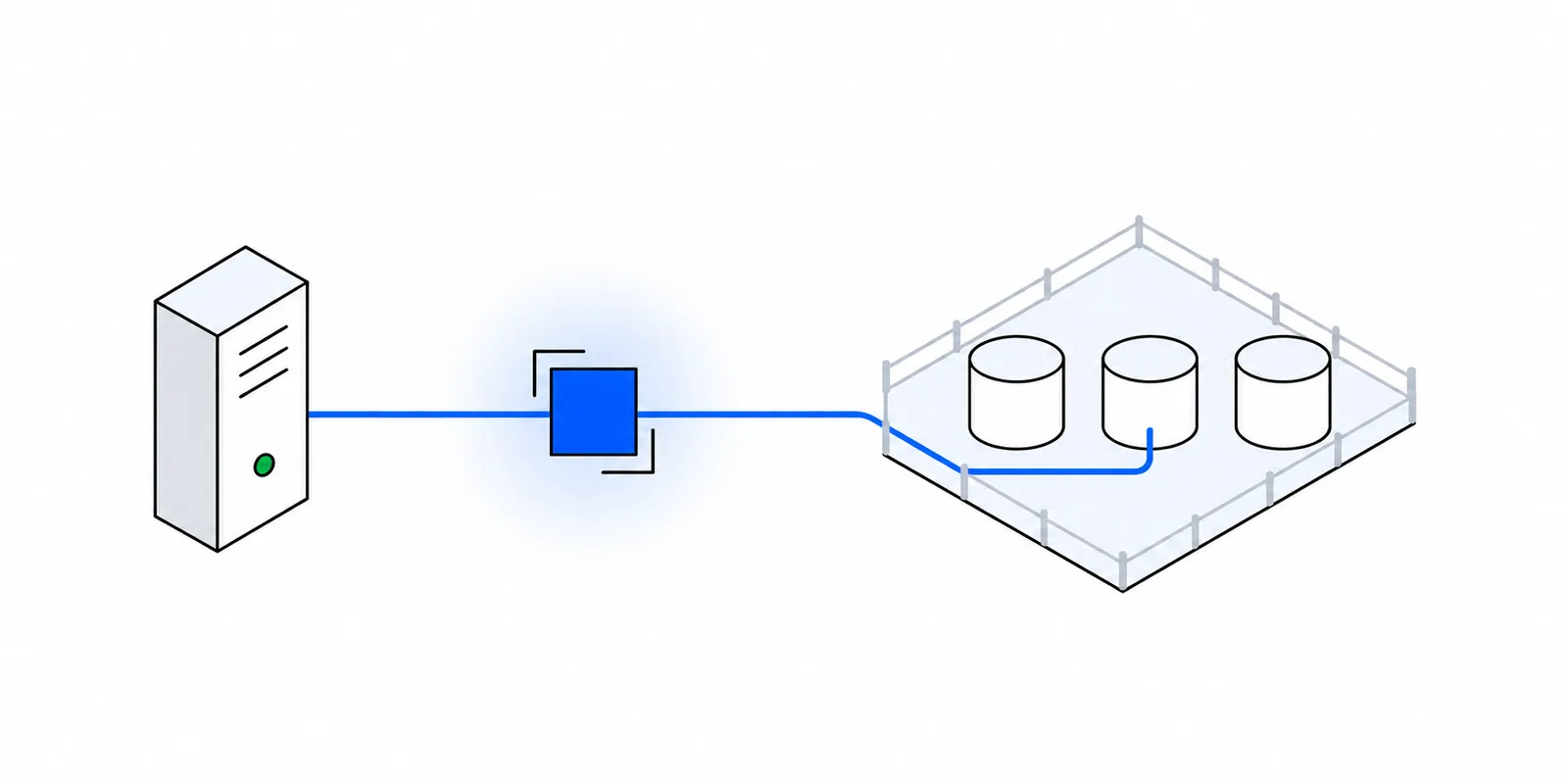
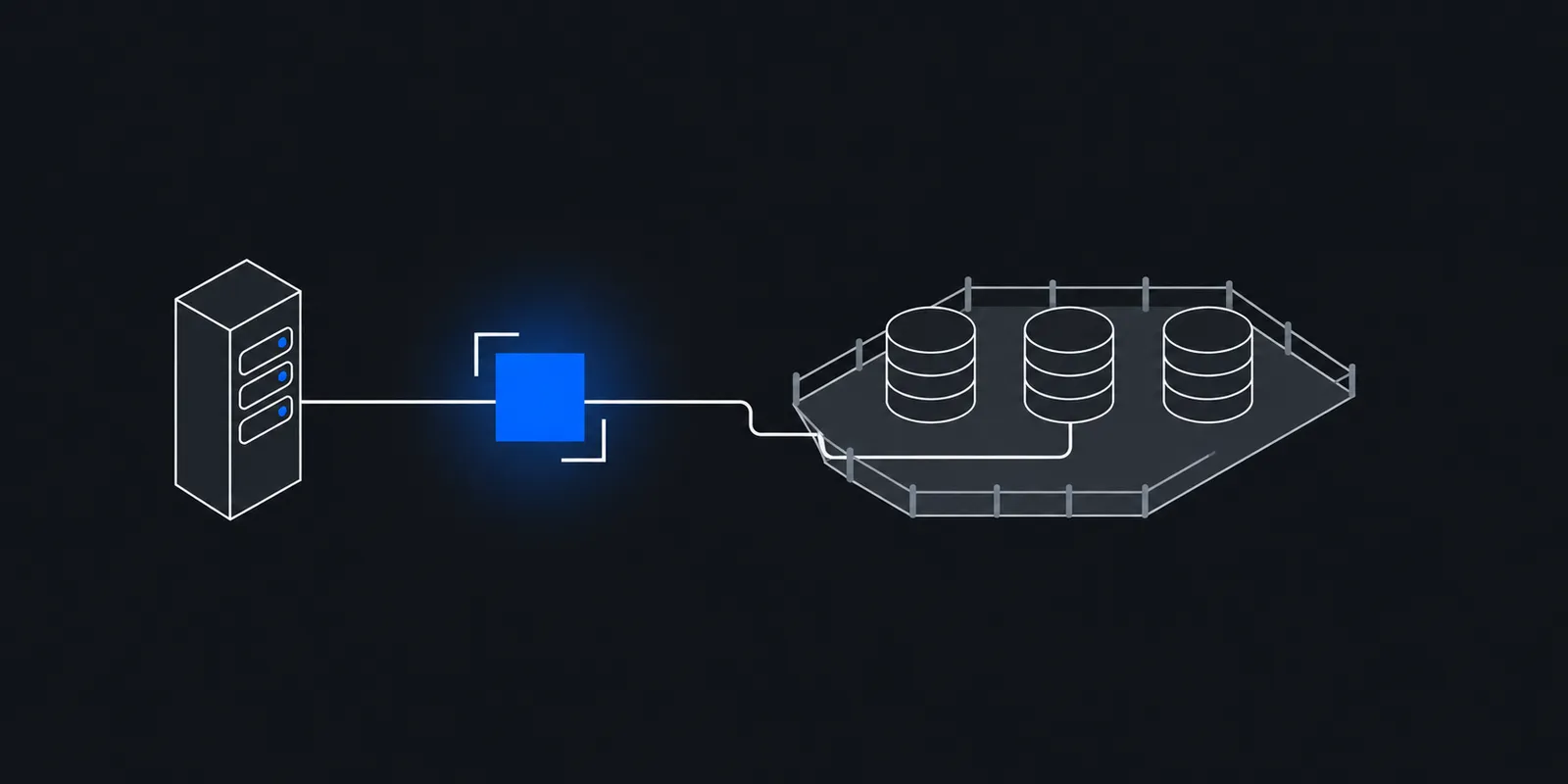
A Snowflake network policy controls which source addresses can reach the service. Current policies do not hold IP addresses themselves. They point at network rules, and each rule groups identifiers of one type. A rule with TYPE = IPV4 and MODE = INGRESS holds IPv4 addresses and CIDR ranges.
A policy has two lists. ALLOWED_NETWORK_RULE_LIST names the rules that admit traffic. BLOCKED_NETWORK_RULE_LIST names the rules that refuse it. Once a policy allows any IPv4 rule, every other IPv4 address is refused, so you rarely need a blocked list. An address that appears in both lists is blocked.
Older policies used the ALLOWED_IP_LIST and BLOCKED_IP_LIST parameters directly. They still work. Snowflake asks you to use network rules for new policies and not to mix both methods in one policy.
Three facts catch people out.
- A policy does nothing until you activate it on the account, a user, or a security integration.
- A policy with no rules at all blocks every IPv4 address.
- Network rules are schema objects, so you need a database and schema to hold them. Network policies are account objects.
Snowflake sees one address per connection, the public source IP of the TCP connection that reaches <account>.snowflakecomputing.com. If your code goes through a NAT gateway or a proxy, that address belongs to the NAT or the proxy, not to your function or laptop.
Account, user, or integration level
You can attach a policy at three levels. When more than one applies, the most specific one wins. A security integration policy overrides the user policy, and a user policy overrides the account policy. The policies do not combine. A user with its own policy ignores the account policy entirely.
| Level | Command | Who it limits | Use it for |
|---|---|---|---|
| Account | ALTER ACCOUNT SET NETWORK_POLICY = p | Every user without a more specific policy, including people in Snowsight | An office or VPN range that all humans come from |
| User | ALTER USER u SET NETWORK_POLICY = p | That one user | Service users for ETL, dbt, and app backends |
| Security integration | ALTER SECURITY INTEGRATION i SET NETWORK_POLICY = p | Clients of that SCIM or OAuth integration | A BI tool or identity provider that has its own IPs |
For a job or a backend, the user level is usually right. Put your fixed egress IPs in a policy, attach it to the service user that job logs in as, and leave the account policy for your people. If you put the job's IPs in the account policy instead, every analyst in Snowsight is either blocked or added to the same list, and the list grows into something nobody can audit.
Snowflake protects you from one mistake. Activating an account-level policy fails if your current IP is not allowed, or if it is blocked. The docs describe that check for the account level only, so test a user policy on a test user before you attach it to the real one.
Why service users now need a network policy
Two changes push anything that runs without a person toward a network policy.
First, Snowflake is removing password-only sign-in. Its MFA rollout put the last phase in August to October 2026, rolling per account. In that phase non-human users lose password authentication and LEGACY_SERVICE users become TYPE = SERVICE. Dates can vary for your account, and the Strong Authentication Hub in Snowsight shows yours. A job that logged in with a password must move to key pair authentication, a programmatic access token, OAuth, or workload identity federation.
Second, programmatic access tokens require a network policy by default. A service user can only generate or use a token if it is subject to a network policy with one or more network rules. A person can generate one without a policy but cannot authenticate with it until a policy applies. An authentication policy can relax this with NETWORK_POLICY_EVALUATION, but the default is ENFORCED_REQUIRED.
So a token in a Lambda function only works if Snowflake can name the IPs that function calls from. It is tempting to satisfy the rule with a policy that allows 0.0.0.0/0, which defeats the point. The section on serverless jobs below covers better options.
The history matters too. In 2024, Mandiant investigated a campaign that used stolen credentials against Snowflake customers. Mandiant and Snowflake notified about 165 organizations. One of the three factors it listed was that the affected accounts had no network allow lists to limit access to trusted locations. A leaked key or token is much less useful to an attacker when it only works from two addresses you control.
Create the rule and attach the policy
This example locks one service user to a pair of egress IPs. Replace 203.0.113.10 and 203.0.113.11 with your own. A bare address in VALUE_LIST means that one address. You need a role that can create network rules in the schema and network policies in the account. The script uses ACCOUNTADMIN, which can do both.
# Key pair for the service user (from Snowflake's key pair docs)
openssl genrsa 2048 | openssl pkcs8 -topk8 -v2 aes-256-cbc -inform PEM -out rsa_key.p8
openssl rsa -in rsa_key.p8 -pubout -out rsa_key.pubUSE ROLE ACCOUNTADMIN;
-- Network rules live in a schema
CREATE DATABASE IF NOT EXISTS security_db;
CREATE SCHEMA IF NOT EXISTS security_db.network;
CREATE NETWORK RULE security_db.network.etl_egress
TYPE = IPV4
MODE = INGRESS
VALUE_LIST = ('203.0.113.10', '203.0.113.11')
COMMENT = 'Fixed egress pair for ETL jobs';
-- Network policies are account objects
CREATE NETWORK POLICY etl_only
ALLOWED_NETWORK_RULE_LIST = ('security_db.network.etl_egress')
COMMENT = 'Service users that run from the fixed egress pair';
-- Paste rsa_key.pub without the BEGIN and END lines
CREATE USER etl_svc
TYPE = SERVICE
DEFAULT_ROLE = transformer
DEFAULT_WAREHOUSE = transform_wh
RSA_PUBLIC_KEY = 'MIIBIjANBgkqh...'
NETWORK_POLICY = etl_only;
GRANT ROLE transformer TO USER etl_svc;
-- Existing user instead:
-- ALTER USER etl_svc SET NETWORK_POLICY = etl_only;To change the addresses later, edit the rule, not the policy. CREATE OR ALTER NETWORK RULE can replace the VALUE_LIST of an existing rule, and every policy that references it picks up the change. ALTER NETWORK POLICY etl_only ADD ALLOWED_NETWORK_RULE_LIST = (...) adds a second rule, which is a clean way to run old and new IPs side by side during a migration.
Allow both addresses of a pair from day one. If your egress fails over from one IP to the other and only the first is listed, every connection after the failover is refused. The post on static IP pairs and failover explains why there are two.
Find out which IP Snowflake sees
When a policy refuses a client, drivers show a message like the one in this Microsoft Q&A thread. The IP in the message is the address Snowflake received, which is the fastest way to see what your traffic really leaves from.
Incoming request with IP/Token XX.XX.XXX.XX is not allowed to access Snowflake. Contact your account administrator.Once a connection works, ask Snowflake directly. CURRENT_IP_ADDRESS returns the IPv4 address of the client that sent the request. If it shows one of your fixed IPs, the route is right.
-- From the client you are testing
SELECT CURRENT_IP_ADDRESS();

-- Which policy applies to the user and the account
SHOW PARAMETERS LIKE 'NETWORK_POLICY' IN USER etl_svc;
SHOW PARAMETERS LIKE 'NETWORK_POLICY' IN ACCOUNT;
DESCRIBE NETWORK POLICY etl_only;

-- Recent failed logins, last 7 days, no view latency
SELECT event_timestamp, client_ip, reported_client_type, error_code, error_message
FROM TABLE(information_schema.login_history_by_user(
  USER_NAME => 'ETL_SVC', RESULT_LIMIT => 100))
WHERE is_success = 'NO'
ORDER BY event_timestamp DESC;
The information_schema table function covers the last 7 days. For older events, query SNOWFLAKE.ACCOUNT_USAGE.LOGIN_HISTORY, which keeps 365 days but can lag by up to two hours. Third-party docs such as Coalesce's error library report that blocked logins show code 390422 with INCOMING_REQUEST_BLOCKED. We did not find that pairing in Snowflake's own docs, so match on the IP and the message rather than the code alone.
If the IP in the error is an IPv6 address, your client reached Snowflake over IPv6. Snowflake evaluates IPv4 and IPv6 rules separately, and IPv6 rules are an AWS-only feature that needs IPv6 ingress enabled on the account. Most fixed egress setups are IPv4, so force IPv4 in the client. See IPv6 egress and IPv4-only allowlists.
Connect dbt, Python, and Node through a proxy
Snowflake drivers talk HTTPS on port 443, so an ordinary HTTP CONNECT proxy works and you do not need SOCKS5. The driver opens a tunnel through the proxy and runs TLS with Snowflake inside it, so the proxy never sees queries or results. The post on HTTP CONNECT shows the bytes.
Snowflake does not allow TLS-intercepting proxies that re-sign traffic with their own certificate. A CONNECT proxy that passes TLS through is fine, because the driver still checks Snowflake's real certificate.
Python connector
The Python connector reads HTTP_PROXY, HTTPS_PROXY, and NO_PROXY by default. It also takes proxy_host, proxy_port, proxy_user, and proxy_password as connection parameters, or a single proxy URL. From version 5.0 the parameters override the environment. Before 5.0 the environment won. Setting HTTPS_PROXY in the job's environment works on both, so the example uses it.
# pip install "snowflake-connector-python>=5.0"
# (Before 5.0 the passphrase argument was private_key_file_pwd.)
# Set in the job environment, not in code:
#   HTTPS_PROXY=<your proxy URL>
import os
import snowflake.connector

conn = snowflake.connector.connect(
    account=os.environ["SNOWFLAKE_ACCOUNT"],  # e.g. myorg-myaccount
    user="ETL_SVC",
    authenticator="SNOWFLAKE_JWT",
    private_key_file=os.environ["SNOWFLAKE_KEY_PATH"],
    private_key_password=os.environ["SNOWFLAKE_KEY_PASSPHRASE"],
    warehouse="TRANSFORM_WH",
)
cur = conn.cursor()
cur.execute("select current_ip_address()")
print(cur.fetchone())
conn.close()
// npm install snowflake-sdk
import snowflake from "snowflake-sdk";
// e.g. https://user:pass@proxy.example.com:443
const proxy = new URL(process.env.PROXY_URL!);
const connection = snowflake.createConnection({
account: process.env.SNOWFLAKE_ACCOUNT!, // e.g. myorg-myaccount
username: "ETL_SVC",
authenticator: "SNOWFLAKE_JWT",
privateKeyPath: process.env.SNOWFLAKE_KEY_PATH!,
privateKeyPass: process.env.SNOWFLAKE_KEY_PASSPHRASE,
warehouse: "TRANSFORM_WH",
// Only this connection uses the proxy.
proxyProtocol: proxy.protocol.replace(":", ""), // "https" = TLS to the proxy
proxyHost: proxy.hostname,
proxyPort: Number(proxy.port || (proxy.protocol === "https:" ? 443 : 80)),
proxyUser: decodeURIComponent(proxy.username),
proxyPassword: decodeURIComponent(proxy.password),
});
await connection.connectAsync();
const rows = await new Promise((resolve, reject) => {
connection.execute({
sqlText: "select current_ip_address()",
complete: (err, _stmt, rows) => (err ? reject(err) : resolve(rows)),
});
});
console.log(rows);In Node, the snowflake-sdk connection options win over the environment, which makes per-connection config the safer choice. Note the port fallback. new URL() drops a default port, so https://...:443 parses with an empty port. With proxyProtocol set to https, the SDK opens TLS to the proxy itself, so the proxy password never crosses the network in clear text.
dbt Core
dbt-snowflake uses the Python connector, so the same environment variables apply. Keep the key in a file and read paths from the environment.
analytics:
  target: prod
  outputs:
    prod:
      type: snowflake
      account: "{{ env_var('SNOWFLAKE_ACCOUNT') }}"
      user: ETL_SVC
      private_key_path: "{{ env_var('SNOWFLAKE_KEY_PATH') }}"
      private_key_passphrase: "{{ env_var('SNOWFLAKE_KEY_PASSPHRASE') }}"
      role: TRANSFORMER
      warehouse: TRANSFORM_WH
      database: ANALYTICS
      schema: MARTS
threads: 8export HTTPS_PROXY="$PROXY_URL"
dbt debug --target prod
dbt build --target prodStage traffic and NO_PROXY
Drivers do not only talk to the account host. PUT and GET move files to and from cloud storage, and SYSTEM$ALLOWLIST lists those STAGE hosts for your account. An INGRESS IPv4 rule protects the Snowflake service. It only covers AWS internal stages when an admin sets ENFORCE_NETWORK_RULES_FOR_INTERNAL_STAGES. If you do not enforce that, you can keep storage traffic off the proxy and save bandwidth. Snowflake's Python docs give NO_PROXY=.amazonaws.com as the example for S3. If you do enforce it, storage traffic must leave from the allowlisted IPs too.
Serverless jobs, CI, and hosted dbt
Lambda, Cloud Run, Vercel Functions, and most PaaS platforms send outbound traffic from shared addresses that change. The post on why serverless egress IPs change covers each one. You have three ways to give such a job a name Snowflake can allowlist.
- Put the job in a VPC with a NAT gateway and an Elastic IP. This is the standard AWS answer, but it bills per hour, per GB, and per public IPv4 address. Run the numbers with the NAT gateway cost calculator.
- Use your platform's paid static IP add-on where one exists, and allowlist the addresses it gives you.
- Send only the Snowflake connection through a static IP proxy, using the driver options above. This needs no network changes in the platform, and the rest of the function keeps its normal egress.
Watch HTTPS_PROXY in a function that also calls other services. It applies to every client that reads the environment, including the AWS SDK. Prefer per-connection options where the driver has them, or list the other hosts in NO_PROXY. The post on NO_PROXY and per-client agents covers how each runtime parses those variables.
Reuse sessions across invocations. A cold start that opens a new Snowflake session pays for authentication plus the extra hop. Create the connection at module scope so warm invocations reuse it.
GitHub-hosted runners have the same problem as functions, and allowlisting GitHub's published ranges admits every other runner on them. Deploys from GitHub Actions to allowlisted servers covers the options there.
Hosted dbt is a different case. The dbt platform publishes IP addresses per region for multi-tenant accounts, and you allowlist those for its users. The same page says the addresses can change occasionally. Multi-tenant means other dbt customers likely send traffic from them too, so that rule trusts dbt's platform, not your project. That may be a fine trade, but make it on purpose. The post on cloud IP ranges explains why a shared range is weaker than an address only you use.
Doing this with Fixedmark
Fixedmark gives an app a pair of static outbound IPv4 addresses and one proxy URL. It is in early access and not generally available yet. For Snowflake, put both addresses of the pair in the network rule's VALUE_LIST, then point the driver at the proxy URL.
- 1Get the pair and the URLCreate an app and a token, and note the app's two IPs. Copy the token when you create it, since Fixedmark stores only a hash. The proxy URL looks like
https://APP_ID:TOKEN@mum.egress.fixedmark.com:443. Store it as the secretFIXEDMARK_PROXY_URL, URL-encoding the token if it contains@,:, or/. - 2Allowlist both IPsPut both addresses in the
etl_egressrule from the setup script, and attach the policy to the service user. - 3Point the driver at the proxySet
HTTPS_PROXY=$FIXEDMARK_PROXY_URLfor the Python connector and dbt, or parseFIXEDMARK_PROXY_URLinto the snowflake-sdk proxy options in Node. Port 443 is TLS to the proxy, so the token stays encrypted on the way. Avoid the plain 8080 and 1080 endpoints, which send it in cleartext. - 4Verify from SnowflakeRun
select current_ip_address()and confirm it returns one of the pair. The egress verification guide has checks you can run before Snowflake is involved.
TLS passes through end to end, so Fixedmark sees the destination host, byte counts, and timing, but not your SQL or results. Each connection appears in the connection logs with its destination and egress IP, which helps when a login is refused and you need to know which address it used. Pick the region closest to your Snowflake account, not to your app, to keep the extra hop short.
On plans with destination allowlists, restrict the token to your account host on port 443, for example myorg-myaccount.snowflakecomputing.com, so a leaked token cannot reach anything else. Add your stage hosts too if storage traffic goes through the proxy. Anything else sent through HTTPS_PROXY will then be refused, which is another reason to scope the proxy to the Snowflake connection.
Sources
Checked November 2026. Confirm current details on the vendor's site before you decide. Prices and limits change.
- Snowflake: Controlling network traffic with network policies
- Snowflake: CREATE NETWORK RULE
- Snowflake: Programmatic access tokens
- Snowflake: Planning for the deprecation of single-factor password sign-ins
- Snowflake: Connecting with the Python connector (proxy server)
- Snowflake: Node.js driver connection options
- Snowflake: Key pair authentication
- Snowflake: LOGIN_HISTORY view
- Snowflake: SYSTEM$ALLOWLIST
- Google Cloud (Mandiant): UNC5537 targets Snowflake customer instances
- Snowflake: CURRENT_IP_ADDRESS
- Microsoft Q&A: Snowflake connector error (blocked IP message)
- dbt: Access, regions, and IP addresses